

What Is ZBrushCentral Used For: Features, Reviews & Alternatives
Community for ZBrush digital sculptors.
Editorially updated Oct 5, 2025
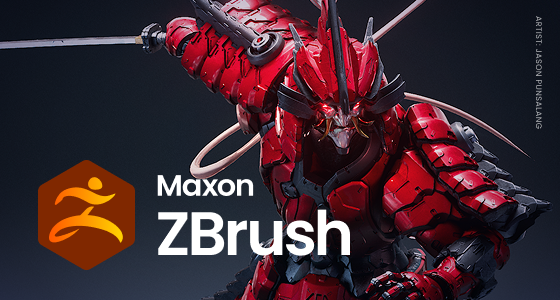
The overview
What ZBrushCentral is for
1Core Capabilities
- Forum threads for ZBrush-focused questions, WIP posts, and peer critique
- Artist gallery-style sharing for sculpts, renders, and study pieces
- Topic discussions around brushes, detailing, anatomy, masking, and surface treatment
- Community responses that surface alternate approaches to sculpting problems
- A niche archive of past conversations that can help when a technique question repeats
Who it helps
Useful ways to use ZBrushCentral
A practical path
Start with a sculpting question
Look for threads that match your current stage, such as blocking, primary forms, detailing, or final presentation.
External signals
Reviews & reputation
Aggregated review score
This pass shows ZBrushCentral fitting strongest workflows where high-volume discussion participation quality is measurable and abuse control and response speed controls are documented.
Quick answers
Frequently asked questions
1Is ZBrushCentral only for ZBrush users?⌄
It is centered on ZBrush, but the discussion often extends into sculpting concepts, presentation, and related 3D art topics.
2Can it help with production work?⌄
Yes, especially when you need feedback on forms, detail density, and how a sculpt reads in renders or portfolio images.
3Is it useful for beginners?⌄
It can be, as long as you ask focused questions and are ready to compare your work against experienced critiques.
4Does it replace formal tutorials?⌄
No. It is better for discussion, feedback, and troubleshooting than for step-by-step structured teaching.
Keep exploring