

What Is Zettle by PayPal Used For: Features, Reviews & Alternatives
POS system for small businesses.
Editorially updated Oct 25, 2025
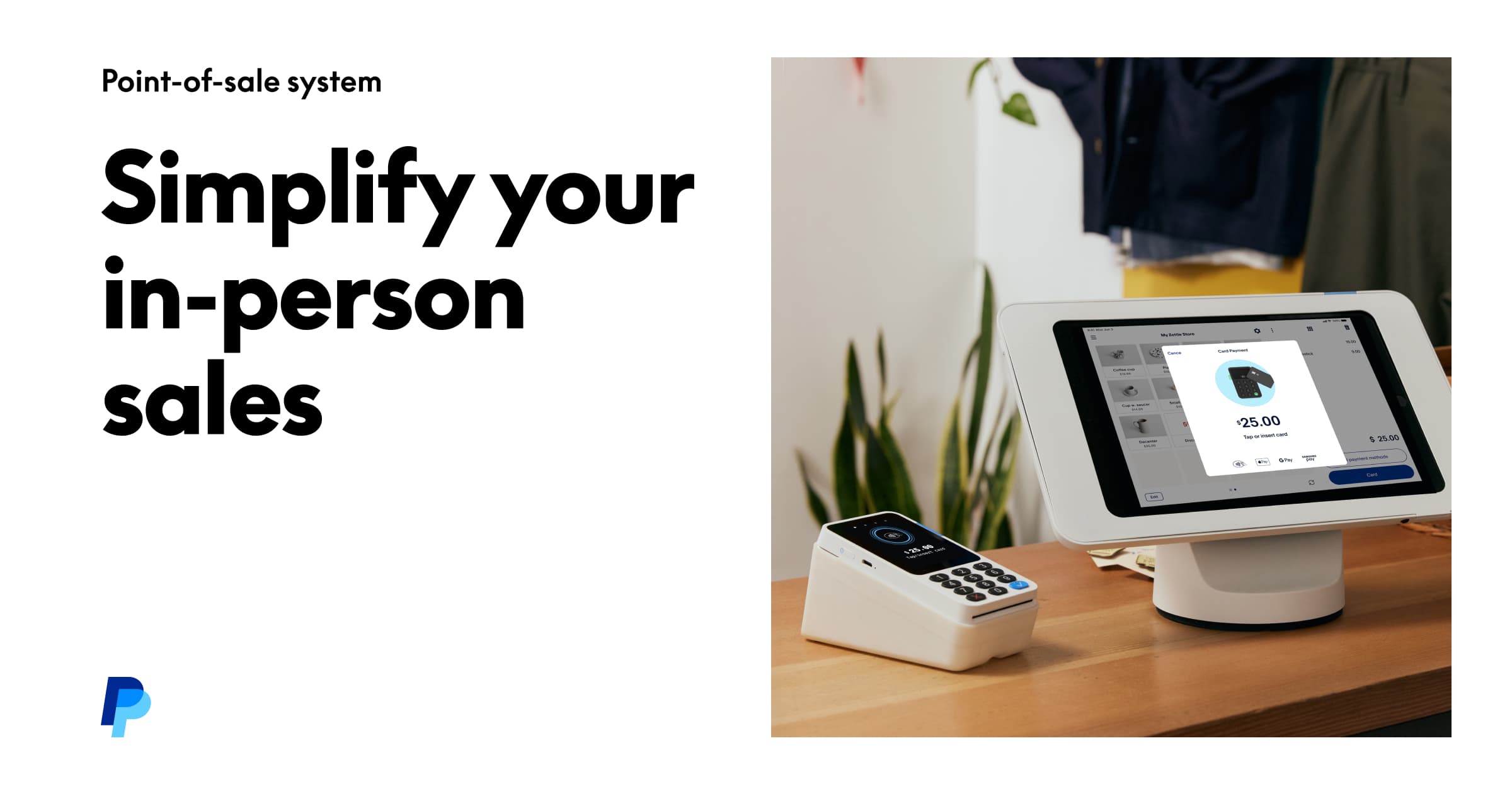
The overview
What Zettle by PayPal is for
1Core Capabilities
- Accepts in-person card payments with a phone or tablet paired to Zettle hardware
- Supports a simple item catalog for products, prices, and common checkout entries
- Produces digital or printed receipts depending on the device and setup
- Tracks basic sales activity so owners can review takings by day, item, or staff member
- Works as a compact checkout setup for counter service, pop-ups, and mobile selling
Who it helps
Useful ways to use Zettle by PayPal
A practical path
Connect the payment setup
Pair the reader and device you plan to use at the counter so card acceptance is ready before the first customer arrives.
External signals
Reviews & reputation
Aggregated review score
This pass shows Zettle by PayPal fitting strongest workflows where workflow completion quality is measurable and maintenance overhead and process drift controls are documented.
Quick answers
Frequently asked questions
1Is Zettle by PayPal better for small counter sales or larger retail operations?⌄
It is usually a better fit for small counter sales, pop-ups, and service businesses than for stores that need deeper retail management tools.
2Can it handle mobile selling outside a fixed checkout counter?⌄
Yes, that is one of its practical strengths, provided your device and payment hardware are set up for moving between locations.
3Does it replace a full inventory system?⌄
Not usually. It can cover simple item tracking, but businesses with large catalogs or multi-location stock needs should verify the limits before committing.
4Is it a sensible choice for businesses already using PayPal?⌄
Often yes, especially if the team wants payment tools in a familiar ecosystem and does not want a complicated onboarding path.
5What should a buyer test before choosing it?⌄
Test checkout speed, receipt handling, the ease of item updates, and whether the hardware fits the counter space and sales volume of the business.
Keep exploring