

What Is Zety Used For: Features, Reviews & Alternatives
Online resume builder & career advice.
Editorially updated Oct 25, 2025
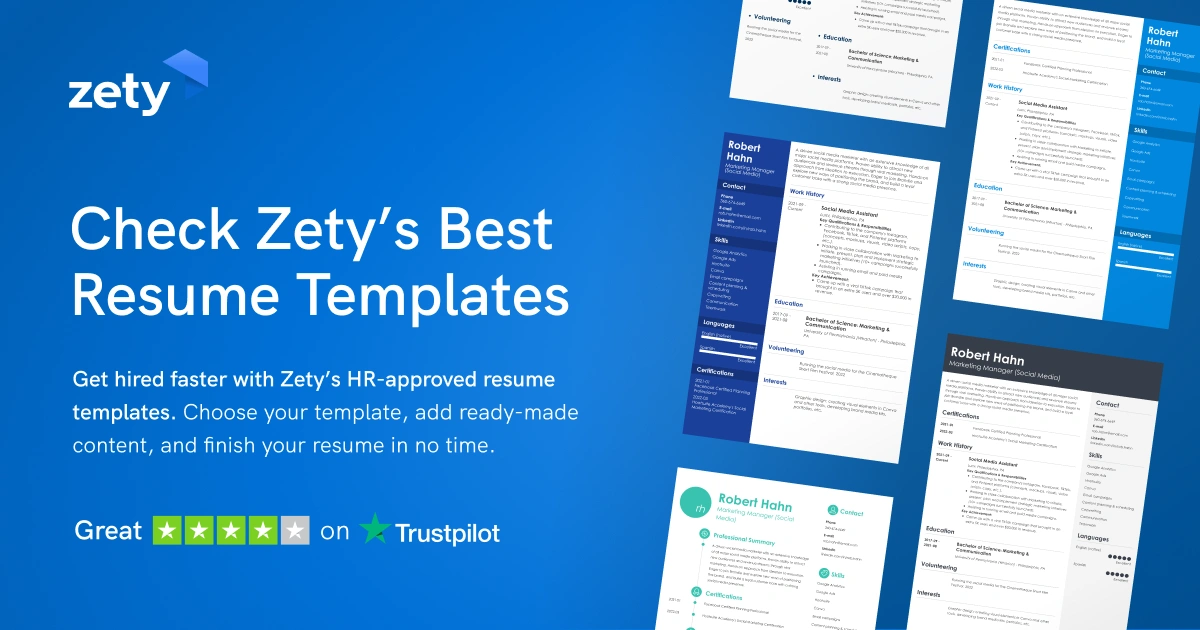
The overview
What Zety is for
1Core Capabilities
- Guided resume builder with section prompts for work history, education, skills, and summary
- Template library aimed at job applications that need a clean, recruiter-friendly layout
- Career advice content that helps shape bullet points and phrasing for specific roles
- Export-ready resume output for sharing, downloading, or sending to employers
Who it helps
Useful ways to use Zety
A practical path
Choose the target job first
Start with the role you want, then decide which experience, skills, and certifications deserve space on the page.
External signals
Reviews & reputation
Aggregated review score
This pass shows Zety fitting strongest workflows where workflow completion quality is measurable and maintenance overhead and process drift controls are documented.
Quick answers
Frequently asked questions
1Who is Zety a good fit for?⌄
It is a good fit for individual job seekers who need a fast way to build a readable resume for a specific application, especially when they want guidance on structure and wording.
2Is this useful if I already have a strong resume?⌄
Yes, if you want a quicker way to reformat or retarget existing content. It is less useful if your resume already has a custom layout you do not want to change.
3Where does it stop being the right tool?⌄
It is not the right choice if you need heavy design customization, complex portfolio-style layouts, or a broader system for managing recruiting materials beyond a resume.
4Can I use it for different job types?⌄
Usually yes, but each version should be rewritten for the role. A warehouse application, a software role, and a sales role should not share the same summary or bullet emphasis.
Keep exploring