

What Is Adobe Behance Used For: Features, Reviews & Alternatives
Online platform to showcase creative work.
Editorially updated Oct 25, 2025
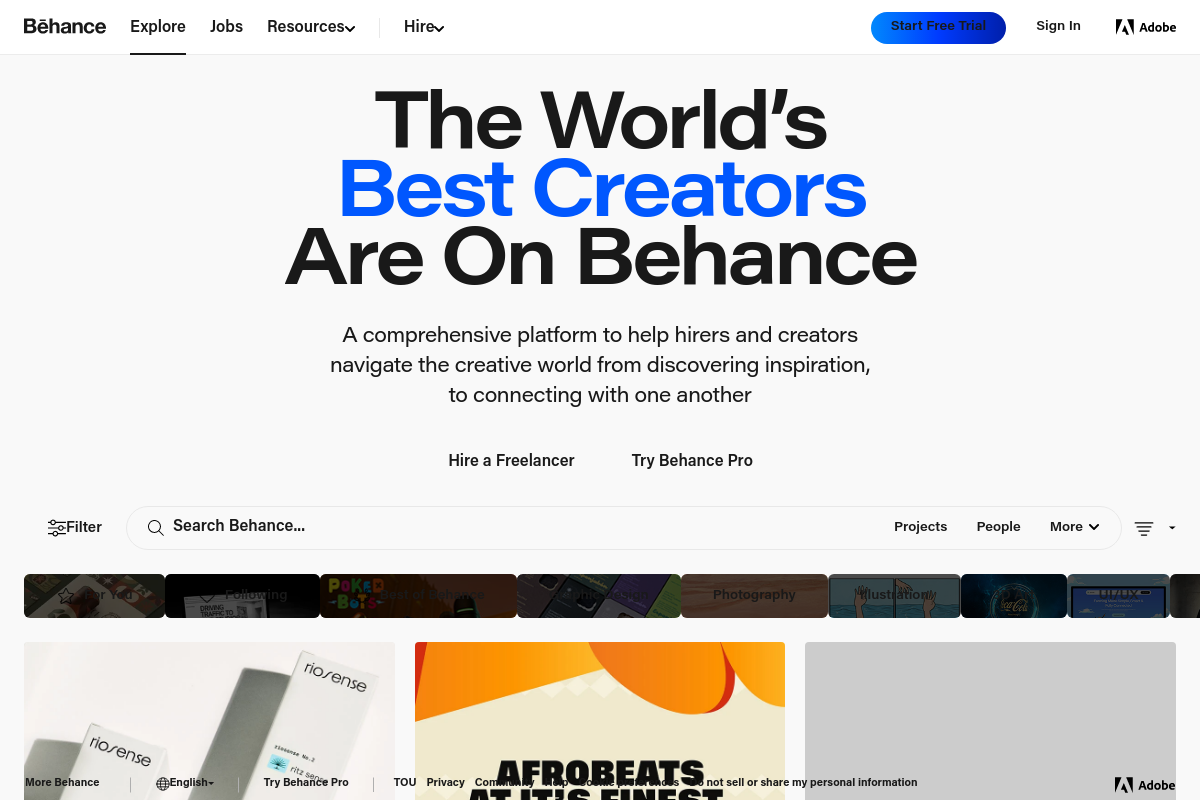
The overview
What Adobe Behance is for
1Core Capabilitie
- Project upload interface
- Customizable public profile
- Project statistics dashboard
- Follower and activity feed
2Specialized Workflow
- Curated gallery submission
- Adobe Talent job board acce
- Adobe Portfolio integration
- Comment and appreciation system
Who it helps
Useful ways to use Adobe Behance
A practical path
Begin New Project Creation
From the Behance homepage, click "Share Your Work" then select "Project." This opens the project editor where you can drag-and-drop media files (images, videos, PDFs) directly from your local machine or cloud storage
External signals
Reviews & reputation
Aggregated review score
A robust online portfolio platform deeply integrated with the Adobe ecosystem, offering extensive discoverability for creative professionals. Users value its community features and exposure opportunities, though some note the challenge of standing out amidst a vast user base.
Quick answers
Frequently asked questions
1Is Behance a free platform, or does it require an Adobe Creative Cloud subscription for full functionality?⌄
Behance is primarily a free platform for all users to create profiles, upload projects, and browse content. While a free Adobe ID is sufficient, Creative Cloud subscribers gain additional benefits, such as seamless integration with Adobe Portfolio for custom website creation and enhanced cloud storage options.
2What strategies can I employ to increase the discoverability and engagement of my projects on Behance?⌄
To maximize project visibility, ensure high-quality visuals, write compelling project descriptions, and utilize relevant keywords and creative fields. Actively engage with the community by appreciating other artists' work and responding to comments. Submitting projects for curation by Behance staff can also lead to significant exposure if selected.
3Can I embed external media, such as interactive prototypes or 3D models, directly into my Behance projects?⌄
Yes, Behance supports embedding content from various external platforms. You can embed videos from YouTube or Vimeo, interactive prototypes from Figma or Adobe XD, and even 3D models from Sketchfab, allowing for a richer and more dynamic presentation of your creative work within a project.
4How does Behance handle the intellectual property rights of the work I upload to the platform?⌄
When you upload content to Behance, you retain full ownership of your intellectual property. Behance acts as a hosting and display platform. However, by uploading, you grant Behance a license to display and promote your work within the platform and its promotional channels. It's crucial to include appropriate copyright notices or creative commons licenses within your project descriptions if desired.
5Are there any specific file size or resolution recommendations for images and videos uploaded to Behance projects?⌄
For optimal display, Behance recommends images be at least 1400px wide, with a maximum width of 2800px. While there isn't a strict file size limit for individual images, larger files may load slower. For videos, it's best to upload high-resolution files (e.g., 1080p) and ensure they are in common formats like MP4. The platform will optimize them for streaming.
Keep exploring