

What Is Behance Used For: Features, Reviews & Alternatives
Platform for creative professionals to showcase and discover work.
Editorially updated Oct 5, 2025
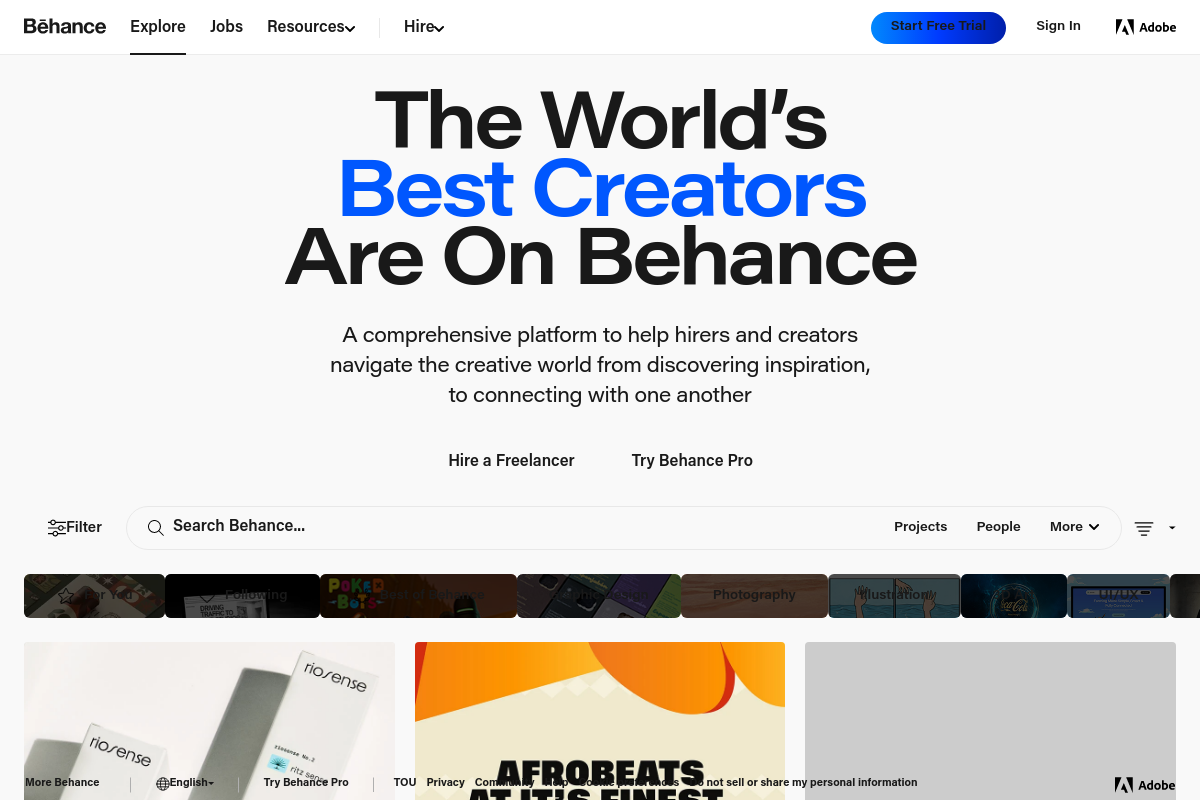
The overview
What Behance is for
1Core Capabilities
- Portfolio presentation with customizable project layouts
- High-resolution image and video support for detailed visual assets
- Project feedback and comment threads for iterative design review
- Curated galleries to discover and benchmark design trends
- Direct links to source files and production-ready assets
Who it helps
Useful ways to use Behance
A practical path
Search for Relevant Projects
Use the search bar or browse curated galleries to find graphic design projects that match your style or client needs. Filter results by tools used, project type, or creative fields to narrow down options.
External signals
Reviews & reputation
Aggregated review score
Confidence in Behance improves once teams validate toolchain choice and scope planning against real production paths and monitor drift over the first rollout cycle.
Quick answers
Frequently asked questions
1Is Behance free to use for uploading and showcasing graphic design projects?⌄
Behance offers free accounts that allow users to upload and display portfolios. Some advanced features or integrations may require an Adobe Creative Cloud subscription, but basic portfolio hosting is generally accessible without cost.
2Can I control who views my projects on Behance or restrict access to certain clients?⌄
Behance primarily functions as a public portfolio platform. While you can set projects to private during editing, long-term restricted access options are limited. For client-specific sharing, external methods may be necessary.
3Does Behance support direct file uploads of native graphic design formats or only image exports?⌄
Behance supports common image and video formats for project uploads. Native design files like PSD or AI are typically not hosted directly but can be linked or referenced within project descriptions.
4How does Behance integrate with Adobe Creative Cloud applications for graphic designers?⌄
Behance is integrated with Adobe Creative Cloud, allowing users to publish work directly from apps like Photoshop and Illustrator. This integration streamlines portfolio updates but does not replace dedicated asset management tools.
5Are there any limitations on the number of projects or images I can upload to Behance?⌄
Behance does not publicly specify strict limits on project or image uploads, but extremely large volumes may be subject to review or require adherence to platform guidelines to maintain performance and quality.
Keep exploring