

What Is Amazon Appstore Used For: Features, Reviews & Alternatives
App store for Android devices.
Editorially updated Oct 25, 2025
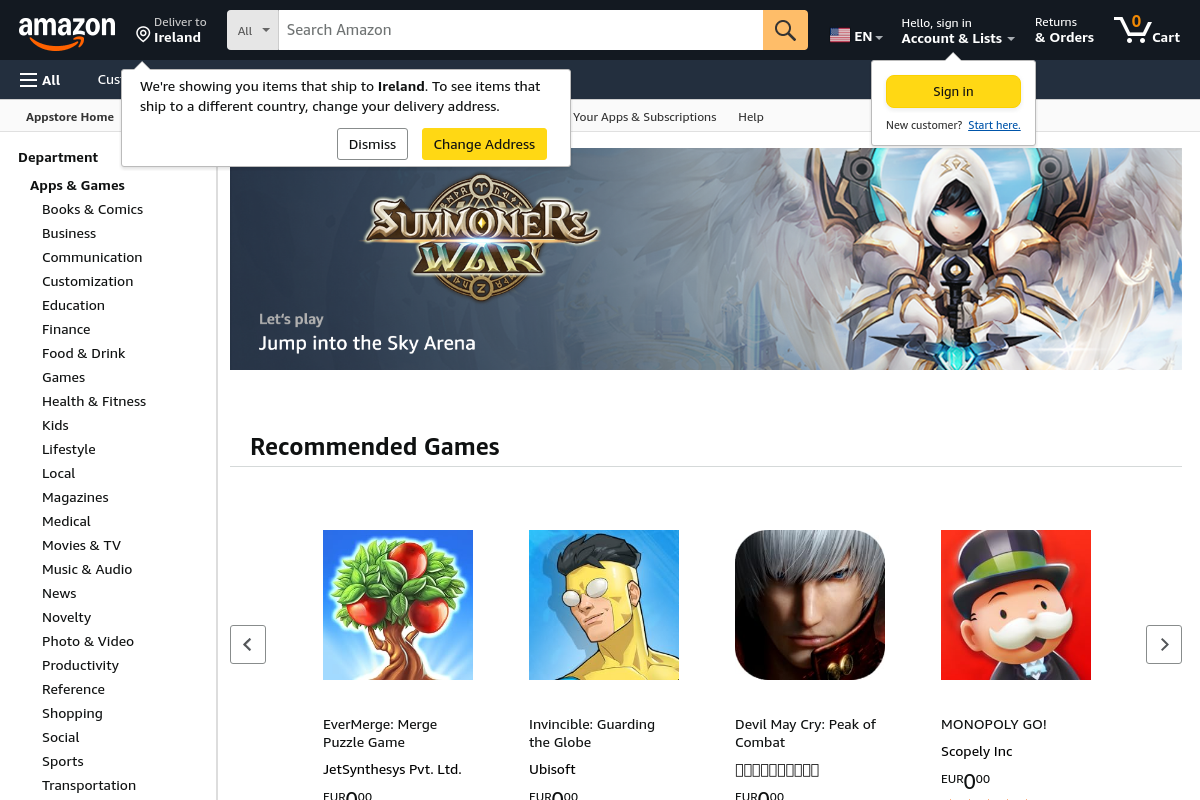
The overview
What Amazon Appstore is for
1Core Capabilitie
- App Listing Page
- Category & Search Interface
- Developer Console Acce
- In-App Purchasing (IAP) Integration
2Specialized Workflow
- Fire OS Device Targeting
- Promotional Campaign Setup
- App Performance Analytics Dashboard
- A/B Testing for Product Page
Who it helps
Useful ways to use Amazon Appstore
A practical path
Register Developer Account
Navigate to the Amazon Developer Portal (developer.amazon.com), sign in with an existing Amazon account, and complete the developer registration process, including tax and payment information
External signals
Reviews & reputation
Aggregated review score
The Amazon Appstore provides a critical alternative distribution channel for Android developers, particularly valuable for reaching Amazon's Fire device user base. While offering robust developer tools and a clear revenue share, some developers note the user base can be smaller compared to Google Play, requiring targeted marketing efforts for optimal visibility.
Quick answers
Frequently asked questions
1What is the revenue share model for apps sold on the Amazon Appstore?⌄
For paid apps and in-app purchases, Amazon typically retains 30% of the gross revenue, with the developer receiving 70%. Specific terms are outlined in the Amazon Developer Services Agreement.
2Can I distribute my app exclusively on the Amazon Appstore?⌄
While you can choose to distribute your app on the Amazon Appstore, there is no exclusivity requirement. Developers are free to distribute their applications on other Android marketplaces simultaneously.
3How do I ensure my Android app is compatible with Amazon Fire devices?⌄
Developers should review the Amazon Fire OS compatibility guidelines and utilize the App Testing Service available in the developer console to identify potential issues before submission. Specific APIs and device characteristics may require adjustments.
4What payment methods are supported for in-app purchases through Amazon's IAP API?⌄
Amazon's In-App Purchasing API leverages the customer's existing Amazon payment methods, including credit cards, debit cards, and gift card balances, providing a familiar and secure transaction experience.
5Is there a cost to register as an Amazon developer or list an app?⌄
There is no upfront fee to register as an Amazon developer or to list applications on the Amazon Appstore. Amazon's monetization primarily comes from the revenue share on paid apps and in-app purchases.
Keep exploring