

What Is Amazon Echo & Alexa Used For: Features, Reviews & Alternatives
Smart speakers & virtual assistant.
Editorially updated Oct 25, 2025
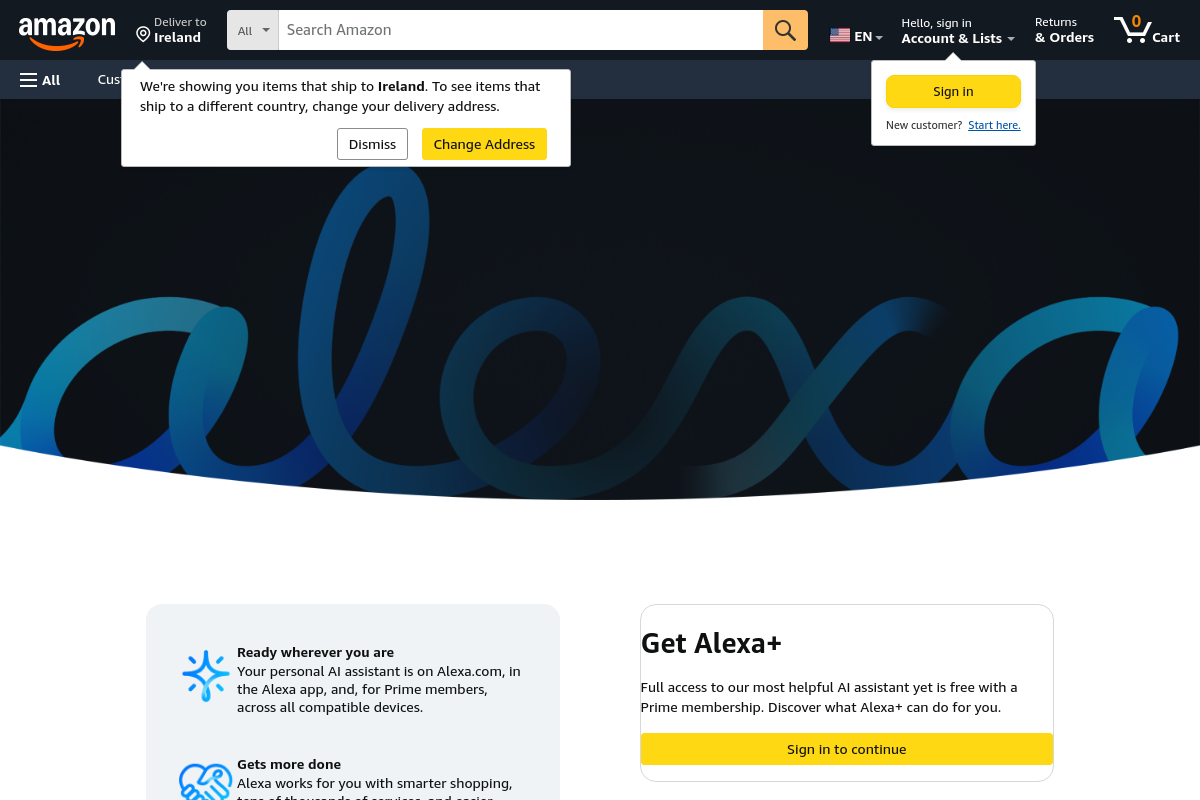
The overview
What Amazon Echo & Alexa is for
1Core Capabilitie
- Device Configuration Panel
- Skill Storefront & Management
- Routine Creation Editor
- Communication Settings Interface
- Smart Home Device Pairing Flow
2Specialized Workflow
- Voice Profile Enrollment & Management
- Privacy Settings Dashboard
- Music & Media Service Linker
- Shopping List & Reminder Editor
- Developer Skill Testing Console
Who it helps
Useful ways to use Amazon Echo & Alexa
A practical path
Navigate to the Alexa Web Portal
Open your web browser, go to alexa.amazon.com, and sign in with your Amazon account credentials. From the left-hand navigation, select "Devices" to view all registered Echo devices and connected smart home product
External signals
Reviews & reputation
Aggregated review score
Users value the web portal for its comprehensive device management and routine configuration capabilities, offering a robust alternative to the mobile app for detailed settings. While generally intuitive, some find the interface less responsive than the dedicated application, and occasional navigation challenges are noted for less common features.
Quick answers
Frequently asked questions
1Can I manage all Alexa features through the web portal, or do I need the mobile app?⌄
The Alexa web portal provides extensive management capabilities for devices, skills, routines, and account settings, covering most core functionalities. However, certain features like initial device setup, specific communication options (e.g., Alexa Calling & Messaging setup), or real-time device status monitoring are often streamlined or exclusively available through the dedicated Alexa mobile application for a more integrated experience.
2Is there a cost associated with using the Alexa web portal or enabling skills?⌄
Access to the Alexa web portal and the vast majority of Alexa Skills are free. You only pay for premium content or services that you explicitly subscribe to or purchase through Alexa, such as music streaming subscriptions, audiobooks, or specific paid skills. The portal itself is a free management interface for your existing Amazon Echo devices and services.
3How does the web portal handle my privacy settings and voice recordings?⌄
The web portal includes a dedicated "Privacy" dashboard where you can review and manage your voice history, delete recordings, and adjust settings related to data usage and skill permissions. This interface provides granular control over how your interactions with Alexa are stored and utilized, aligning with Amazon's privacy policies.
4Can I use the web portal to test Alexa Skills I'm developing?⌄
Yes, developers can utilize the Alexa Developer Console (developer.amazon.com/alexa), which is a web-based tool, to build, test, and manage their Alexa Skills. This portal includes a "Test" tab for simulating voice interactions and debugging skill logic before deployment to devices.
5What if my Echo device isn't showing up in the web portal?⌄
If your Echo device isn't visible, first ensure it's powered on and connected to the internet. Verify you're signed into the web portal with the correct Amazon account that the device is registered to. If issues persist, try restarting the device and refreshing the web page. For new devices, ensure initial setup via the mobile app or a supported web flow has been completed.
Keep exploring