

What Is Amazon EMR Used For: Features, Reviews & Alternatives
Cloud big data platform (Spark, Hadoop, Hive).
Editorially updated Oct 25, 2025
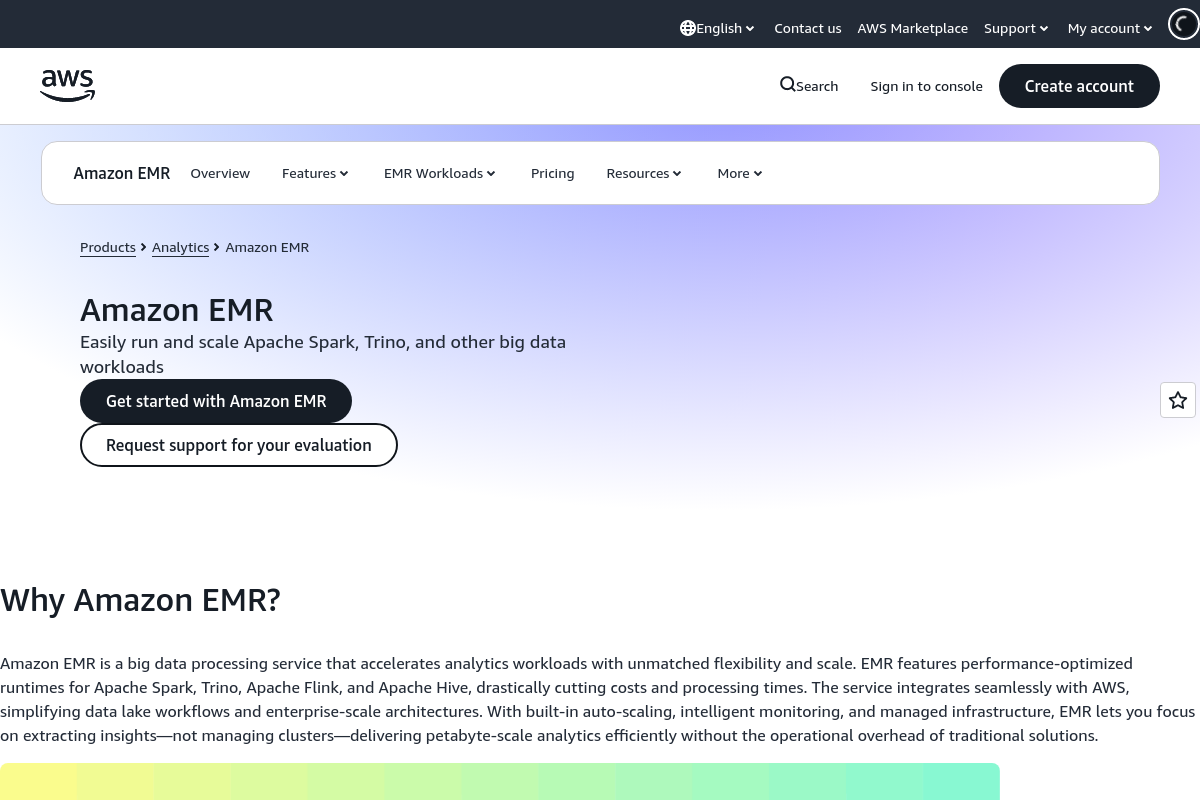
The overview
What Amazon EMR is for
1Core Capabilitie
- Cluster Creation Wizard: Guided interface for defining EMR cluster configurations, including instance types, software versions, and security setting
- Step Configuration Panel: UI for adding and managing sequential processing steps (e.g., Spark jobs, Hive queries) to a running cluster
- Application Version Selector: Dropdown to choose specific versions of big data frameworks (Spark, Hadoop, Hive, Presto, Flink) for cluster deployment
- Instance Group Scaling Controls: Web-based sliders and input fields to adjust the number of core and task nodes in a cluster dynamically
- Security Configuration Editor: Interface for defining Kerberos authentication, encryption at rest/in transit, and IAM roles for cluster acce
2Specialized Workflow
- Notebook Integration Panel: Direct linking and management of EMR Studio notebooks for interactive data exploration and development
- Log Aggregation Viewer: Browser-based access to aggregated cluster logs (e.g., YARN, Hadoop, Spark logs) for debugging and monitoring
- Managed Scaling Policy Editor: Configuration surface for defining automatic scaling rules based on cluster metric
- Cluster Termination Protection Toggle: Checkbox to prevent accidental deletion of active EMR cluster
- Bootstrap Action Configuration: Input fields for specifying custom scripts to run on cluster nodes during provisioning
Who it helps
Useful ways to use Amazon EMR
A practical path
Provision a New EMR Cluster
Navigate to the EMR service in the AWS Management Console. Click "Create cluster," select desired big data applications (e.g., Spark, Hadoop), configure instance types, number of nodes, and security settings, then launch the cluster
External signals
Reviews & reputation
Aggregated review score
Amazon EMR is a robust, scalable platform for big data processing, offering deep integration with the AWS ecosystem. While powerful for complex Spark and Hadoop workloads, its configuration options can be extensive, requiring a learning curve for new users. Cost management requires careful attention to instance types and scaling policies.
Quick answers
Frequently asked questions
1How can I optimize EMR cluster costs, especially for intermittent workloads?⌄
For intermittent or fault-tolerant workloads, leverage Amazon EC2 Spot Instances for task nodes within your EMR cluster. You can configure EMR to automatically bid for Spot Instances, significantly reducing compute costs compared to On-Demand instances. Additionally, consider using EMR Serverless for specific Spark and Hive workloads, which automatically provisions and scales compute resources, billing only for actual usage.
2What security measures are available for EMR clusters and data?⌄
EMR integrates with AWS Identity and Access Management (IAM) for granular access control to clusters and data. You can enable encryption at rest using AWS Key Management Service (KMS) or customer-managed keys, and encryption in transit using TLS/SSL. Clusters can be launched within an Amazon Virtual Private Cloud (VPC) for network isolation, and Kerberos authentication can be configured for secure multi-user environments.
3Can I use custom applications or libraries on my EMR cluster?⌄
Yes, EMR supports custom applications and libraries. You can specify "bootstrap actions" during cluster creation, which are shell scripts that run on all cluster nodes before the big data applications start. This allows you to install additional software, configure system settings, or download custom dependencies from Amazon S3.
4How does EMR handle data persistence and integration with other AWS services?⌄
EMR is designed to be stateless regarding data storage; it primarily processes data stored in Amazon S3, which acts as the persistent data lake. EMR seamlessly integrates with S3 for input/output, AWS Glue Data Catalog for metadata management, Amazon Kinesis for real-time streaming, and Amazon Redshift for data warehousing, enabling a comprehensive data analytics ecosystem.
5What's the difference between EMR and running Spark/Hadoop on EC2 instances directly?⌄
EMR simplifies the deployment, management, and scaling of big data frameworks. It handles instance provisioning, software installation, configuration, and patching. While you *can* run Spark/Hadoop on EC2, EMR provides managed services like automatic scaling, job step execution, integration with other AWS services, and cost optimization features (e.g., Spot Instance integration) out-of-the-box, significantly reducing operational overhead.
Keep exploring