

What Is Amazon Fire Tablets Used For: Features, Reviews & Alternatives
Line of tablet computers.
Editorially updated Oct 25, 2025
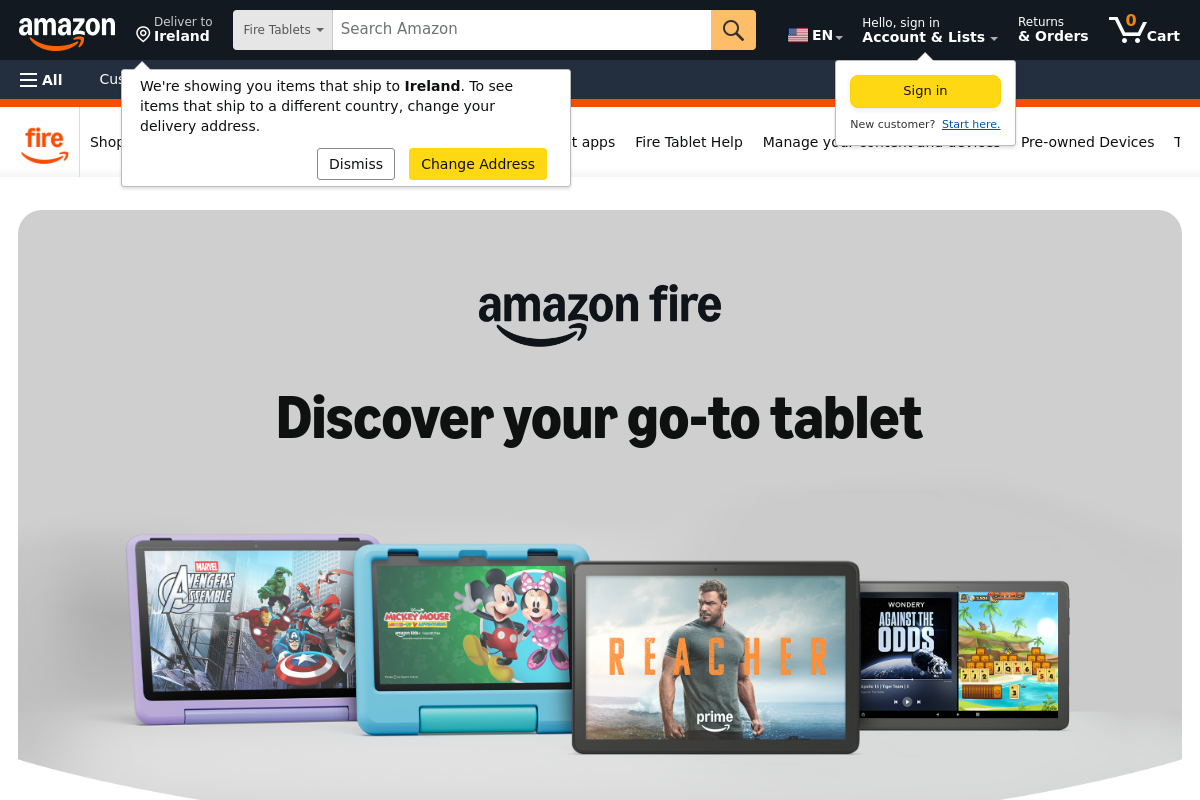
The overview
What Amazon Fire Tablets is for
1Core Capabilitie
- Fire OS Home Screen: Centralized access to Amazon content libraries and web-enabled application
- Silk Browser Interface: Optimized web browsing experience for Amazon's ecosystem and general internet navigation
- Amazon Appstore Portal: Curated marketplace for web-integrated applications and game
- Kindle Reading View: Dedicated interface for accessing and consuming web-delivered eBooks and digital magazine
2Specialized Workflow
- Alexa Voice Integration: Hands-free control for web searches, content playback, and smart home device interaction
- Kids+ Content Portal: Gated web environment for child-friendly content consumption and educational app
- X-Ray for Prime Video: On-screen web-based information overlay for actors, music, and trivia during video playback
- Show Mode Dashboard: Always-on web-enabled smart display interface for quick information and Alexa interaction
Who it helps
Useful ways to use Amazon Fire Tablets
A practical path
Power On and Connect to Amazon Service
Unbox the Fire Tablet, power it on, and follow the on-screen prompts to connect to a Wi-Fi network. Log in with an existing Amazon account or create a new one to link the device to your digital content library and enable access to Amazon's web service
External signals
Reviews & reputation
Aggregated review score
Users appreciate the Fire Tablet's exceptional value for content consumption, particularly within the Amazon ecosystem, and its robust Kids+ features. Common feedback notes limitations in app availability outside the Amazon Appstore and performance for demanding web-based productivity tasks.
Quick answers
Frequently asked questions
1Can Fire Tablets access the full Google Play Store for apps not available in the Amazon Appstore?⌄
Officially, Fire Tablets do not support the Google Play Store. Users are limited to the Amazon Appstore for applications. While some advanced users may sideload Google Play services, this is not officially supported or recommended by Amazon and may lead to compatibility issues or security vulnerabilities.
2How do Fire Tablets handle web browsing privacy and security compared to other tablets?⌄
Fire Tablets utilize the Silk Browser, which offers standard web browsing security features like HTTPS support and private browsing mode. Amazon also implements its own privacy policies regarding data collection and usage within the Fire OS ecosystem. Users should review Amazon's privacy notices and manage device permissions for installed apps.
3Are Fire Tablets suitable for productivity tasks requiring robust web-based office suites?⌄
Fire Tablets are primarily designed for content consumption. While the Silk browser can access web-based office suites (e.g., Google Docs, Microsoft 365 web apps), the performance and user experience may be limited compared to more powerful tablets or laptops, especially for complex document editing or multitasking.
4Can I manage multiple Fire Tablets for a business or educational setting?⌄
Amazon offers solutions like Amazon Business and specific device management tools for bulk purchasing and managing Fire Tablets in organizational settings. This allows for centralized control over app deployment, content access, and device configurations, often leveraging web-based management portals.
5What are the limitations of the Silk Browser for advanced web development or specific web technologies?⌄
The Silk Browser is based on Chromium but is optimized for the Fire OS ecosystem. While it supports modern web standards, it may not always have the absolute latest features or developer tools found in desktop-grade browsers. Developers should test specific advanced web technologies or frameworks on Fire Tablets for full compatibility.
Keep exploring