

What Is Amazon Kindle Direct Publishing Used For: Features, Reviews & Alternatives
Self-publishing platform.
Editorially updated Oct 25, 2025
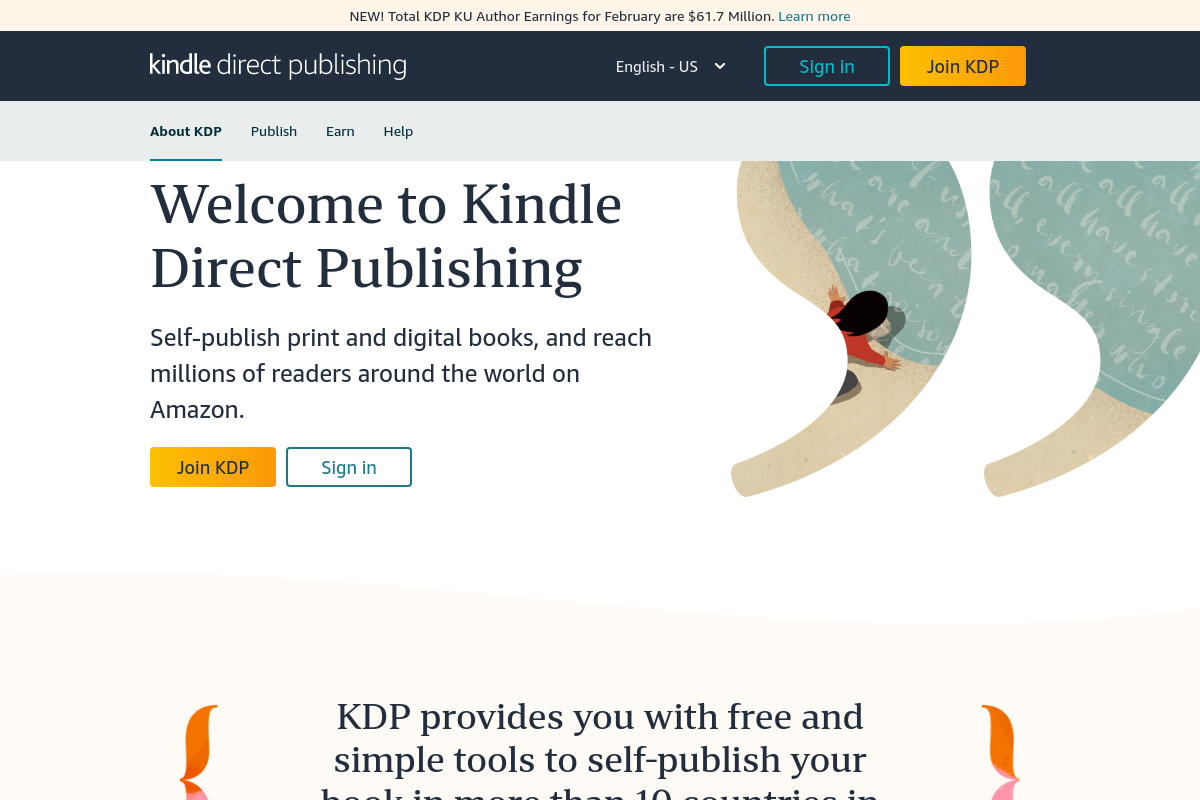
The overview
What Amazon Kindle Direct Publishing is for
1Core Capabilitie
- Manuscript file upload (EPUB, DOCX, KPF)
- Cover image asset uploader
- Retail pricing configuration panel
- Sales and royalty reporting dashboard
- Book metadata entry forms (title, description, keywords, categories)
2Specialized Workflow
- KDP Select program enrollment
- A+ Content page builder
- Print book interior/cover file submission
- Expanded distribution channel opt-in
- Royalty payment history ledger
Who it helps
Useful ways to use Amazon Kindle Direct Publishing
A practical path
Sign In & Start New Title
Access the KDP dashboard via browser, sign in with Amazon credentials, and navigate to the 'Bookshelf' to initiate a new Kindle eBook or Paperback title setup
External signals
Reviews & reputation
Aggregated review score
Highly valued by independent authors and content entrepreneurs for its direct access to Amazon's vast retail market and straightforward path to passive income. Users appreciate the browser-based publishing workflow and robust sales reporting. Some common frustrations include the learning curve for interior formatting, occasional delays in support responses, and the competitive nature of the marketplace.
Quick answers
Frequently asked questions
1What are the typical royalty rates and payment schedules for KDP?⌄
KDP offers 35% or 70% royalty options for ebooks, contingent on list price and sales territory. Print books operate on a fixed royalty rate calculated from list price minus printing costs. Payments are processed monthly via direct deposit or wire transfer, typically 60 days post-month-end of sales.
2Can I publish a book on KDP if it's already available on other platforms?⌄
Yes, for ebooks, you can publish on KDP non-exclusively. However, enrolling in KDP Select requires 90-day digital exclusivity to Amazon. Print books generally have no exclusivity restrictions, allowing simultaneous distribution elsewhere.
3What file formats are required for manuscript and cover uploads?⌄
For ebooks, KDP accepts EPUB, DOCX, and KPF (Kindle Create format). Print book interiors must be PDF, and covers require a single PDF file precisely formatted to KDP's specific dimensions and bleed requirements.
4How can I drive sales to my KDP-published book?⌄
KDP provides promotional tools like Kindle Countdown Deals and Free Book Promotions for KDP Select titles. Authors commonly utilize Amazon Ads (a separate advertising platform), social media marketing, author websites, and email list building to direct traffic to their Amazon product pages.
5Are there any upfront costs associated with publishing on KDP?⌄
No, KDP does not charge upfront fees for publishing ebooks or print books. For print books, printing costs are deducted from your royalties. KDP's revenue share comes solely from the royalty percentage on each sale.
Keep exploring