

What Is Amazon Q Used For: Features, Reviews & Alternatives
AWS AI assistant providing business intelligence and coding support.
Editorially updated Oct 5, 2025
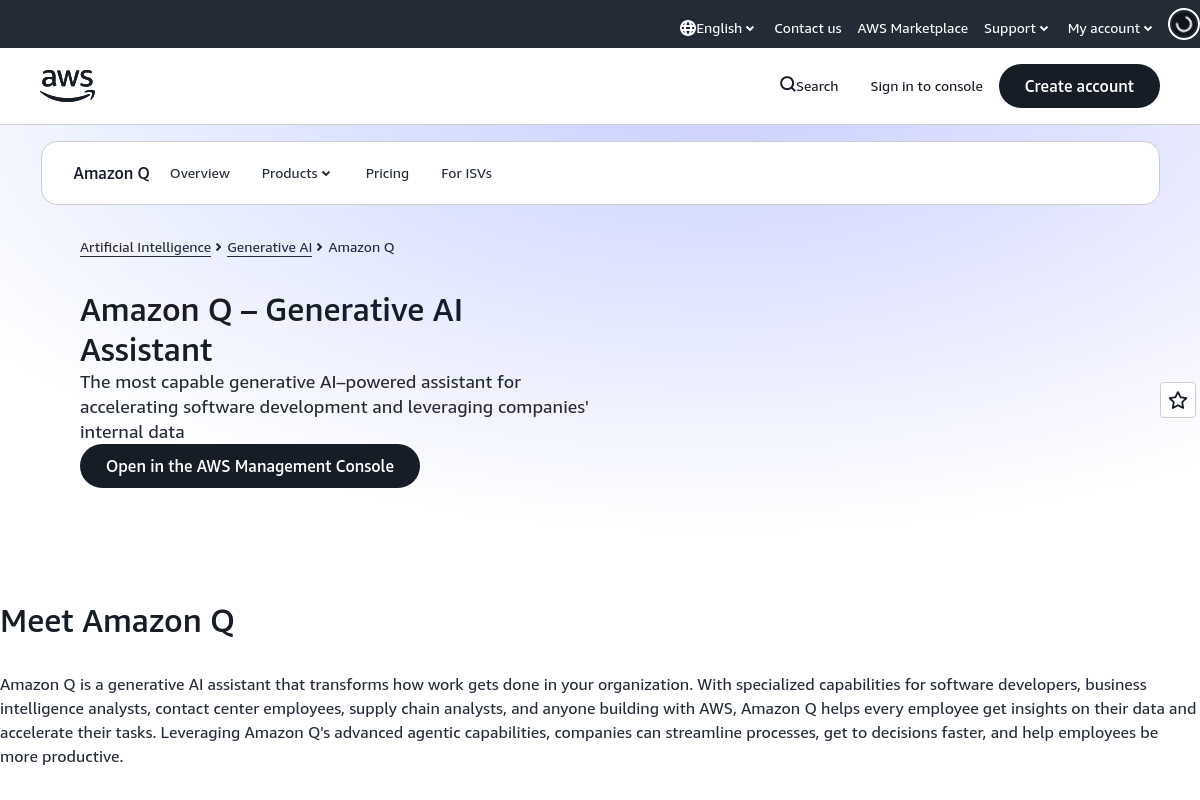
The overview
What Amazon Q is for
1Core Capabilitie
- In-browser code completion and suggestion panel
- Natural language to SQL query generation
- AWS API call synthesis from plain text prompt
- Code explanation and documentation generation
- Security vulnerability detection and remediation suggestion
2Specialized Workflow
- Infrastructure-as-Code (IaC) template generation (e.g., CloudFormation, CDK)
- CloudFormation template validation and error explanation
- Cost optimization recommendation engine for AWS resource
- Data schema inference for business intelligence querie
- Automated unit test generation for existing code
Who it helps
Useful ways to use Amazon Q
A practical path
Access Interface
Navigate to the section within the AWS Management Console via your web browser, or activate the Q plugin in your preferred IDE (e.g., VS Code, JetBrains) after installing it
External signals
Reviews & reputation
Aggregated review score
A powerful AI assistant deeply integrated with AWS, offering significant acceleration for cloud-native development and operational tasks. Users praise its context-aware code generation and ability to simplify complex AWS interactions, though some note the learning curve for optimal prompting and the necessity of human review for production code.
Quick answers
Frequently asked questions
1How is Amazon Q priced for developer and business intelligence features?⌄
Amazon Q is typically billed based on usage. For developer features, pricing is often per user per month, with additional charges for token usage or specific API calls. Business intelligence queries may be billed per query or per data processed. Detailed pricing tiers and any free usage limits are available on the official AWS pricing page for Amazon Q.
2Can Amazon Q securely access and learn from my private code repositories?⌄
Yes, Amazon Q can be configured to securely connect to and understand your private code repositories (e.g., AWS CodeCommit, GitHub, GitLab) to provide highly context-aware suggestions. Data is encrypted in transit and at rest, and access is strictly governed by AWS Identity and Access Management (IAM) policies that you define, ensuring your intellectual property remains protected.
3What programming languages and AWS services does Amazon Q support for code generation?⌄
Amazon Q supports a broad range of popular programming languages including Python, Java, JavaScript, TypeScript, C#, Go, and Ruby, alongside SQL. Its capabilities are deeply integrated with the AWS ecosystem, allowing it to generate code and provide insights for a vast array of AWS services, APIs, and common cloud-native frameworks.
4Is the code generated by Amazon Q production-ready and free of security flaws?⌄
Amazon Q generates code suggestions to accelerate development and improve code quality. While it incorporates security best practices and can identify potential vulnerabilities, all generated code should always be thoroughly reviewed, tested, and validated by a human developer. This ensures it meets your specific security, performance, and architectural standards before deployment to production environments.
5How does Amazon Q differentiate itself from other general-purpose AI code assistants?⌄
Amazon Q's primary differentiator is its deep integration and specialized knowledge of the AWS ecosystem. Unlike general-purpose AI code assistants, Q is specifically trained on extensive AWS documentation, APIs, and best practices. This allows it to provide highly relevant, context-aware suggestions for cloud-native development, infrastructure management, and operational tasks within the AWS environment, making it particularly valuable for AWS users.
Keep exploring