

What Is Amazon RDS Used For: Features, Reviews & Alternatives
Managed relational database service on AWS.
Editorially updated Oct 5, 2025
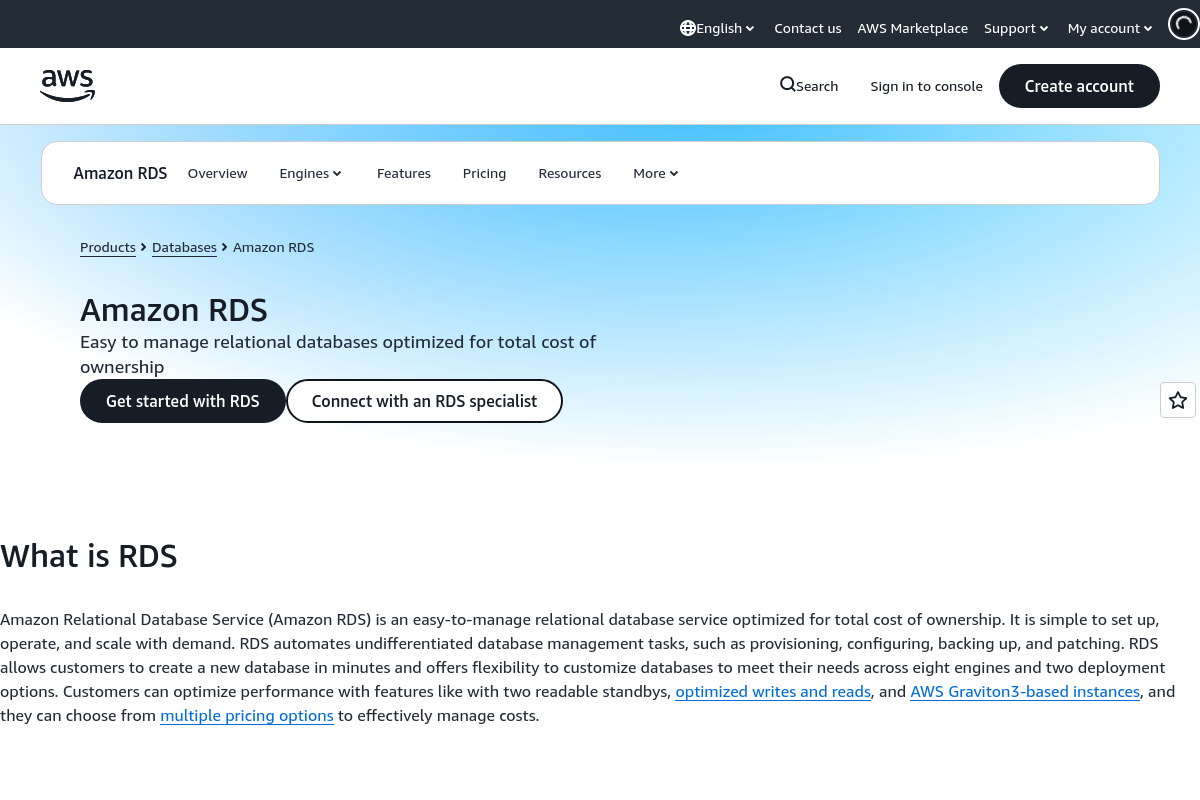
The overview
What Amazon RDS is for
1Core Capabilitie
- DB Instance Creation Wizard
- Automated Backup Configuration
- Performance Insights Dashboard
- Parameter Group Editor
2Specialized Workflow
- Read Replica Provisioning Flow
- Snapshot Restore Console
- Multi-AZ Deployment Toggle
- Storage Scaling Interface
Who it helps
Useful ways to use Amazon RDS
A practical path
Navigate to RDS Console
Sign in to the AWS Management Console, then search for and select "RDS" from the services list to access the database dashboard
External signals
Reviews & reputation
Aggregated review score
Amazon RDS is highly valued for its robust managed database capabilities, significantly reducing operational overhead for database administration. Users frequently praise its scalability, high availability options, and broad engine support. Common feedback points include the learning curve for new AWS users and the potential for higher costs compared to self-managed solutions, especially for smaller workloads or specific licensing models.
Quick answers
Frequently asked questions
1How does RDS pricing work, and what are the primary cost drivers?⌄
RDS pricing is primarily based on DB instance hours (on-demand or reserved), storage consumed (GB-month), I/O operations, and data transfer out. Multi-AZ deployments and Read Replicas will incur additional costs for their respective resources.
2Can I migrate an existing on-premises database to RDS without significant downtime?⌄
Yes, AWS Database Migration Service (DMS) is typically used in conjunction with RDS. You can set up a full load followed by continuous replication to minimize downtime during the cutover to your new RDS instance.
3What level of control do I have over the underlying operating system or database software?⌄
RDS is a managed service, meaning AWS handles OS patching, database software updates, and underlying infrastructure. You have control over database parameters via Parameter Groups, but no direct SSH access to the OS or root access to the database instance itself.
4How does RDS handle high availability and disaster recovery?⌄
For high availability, Multi-AZ deployments synchronously replicate data to a standby instance in a different Availability Zone. For disaster recovery, automated backups and manual snapshots allow point-in-time recovery or restoration to a new instance.
5Is it possible to run custom database extensions or plugins on RDS?⌄
Support for custom extensions varies by database engine. For PostgreSQL, for example, a curated list of popular extensions is available and can be enabled via the `rds.extensions` parameter. Direct installation of arbitrary custom binaries is not supported.
Keep exploring