

What Is Amazon Rekognition Used For: Features, Reviews & Alternatives
Image and video analysis service
Editorially updated Oct 5, 2025
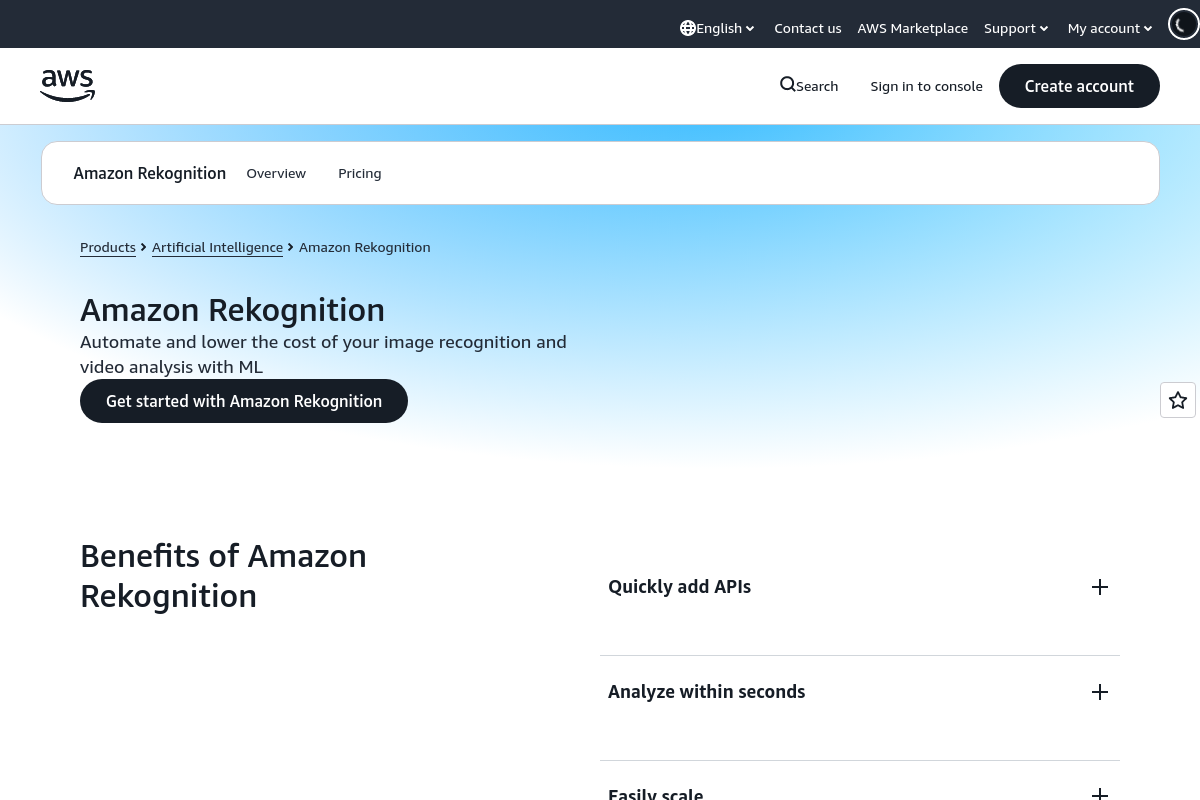
The overview
What Amazon Rekognition is for
1Core Capabilitie
- Image analysis demo panel for label, face, and text detection
- Video segment analysis interface for motion and activity detection
- Facial collection management for identity indexing and search
- Content moderation threshold configuration for image and video
- Celebrity recognition and public figure identification view
2Specialized Workflow
- Custom Labels model training console and progress tracker
- Dataset creation and labeling tool for custom model
- Model version deployment status and endpoint management
- Project management dashboard for Custom Labels initiative
- Inference result visualization for custom model
Who it helps
Useful ways to use Amazon Rekognition
A practical path
Access Rekognition Console
Navigate to the AWS Management Console, search for 'Rekognition' in the services bar, and select the Rekognition service page. This provides access to all pre-trained and custom model functionalitie
External signals
Reviews & reputation
Aggregated review score
A robust and accessible computer vision service, highly valued for its comprehensive set of pre-trained models and the flexibility of Custom Labels. Users appreciate the intuitive console for rapid prototyping and testing, though some note the learning curve for advanced API integrations and the cost structure for high-volume custom model inference.
Quick answers
Frequently asked questions
1What are the typical latency characteristics for real-time video analysis using Rekognition?⌄
For real-time video analysis, Rekognition processes video streams asynchronously. Latency for frame-level analysis can vary based on video resolution, frame rate, and the specific API called (e.g., label detection vs. face search). For streaming video, results are typically available within seconds of processing, but direct real-time (sub-100ms) inference on live feeds usually requires client-side buffering and batching for optimal performance.
2How is data privacy handled for images and videos uploaded for custom model training?⌄
When you upload images or videos for Custom Labels training, AWS stores this data securely within your specified AWS region. AWS does not use your content to train models for other customers or for any other purpose without your explicit consent. You retain ownership of your data, and you can delete datasets and trained models at any time, which removes the associated content from Rekognition storage.
3Can I export the detected labels or facial metadata directly from the console?⌄
While the console provides a visual representation and raw JSON output for individual analysis tasks, it does not offer a bulk export feature for large sets of detected labels or facial metadata. For programmatic export and integration with other systems, you would typically use the Rekognition API to process your media and then capture the JSON responses for storage or further processing.
4What are the cost implications for using the Custom Labels feature versus pre-trained models?⌄
Custom Labels incurs costs for model training hours, storage of training data, and inference units when the custom model is used. Pre-trained models are typically billed per image or video segment processed, based on the specific API call (e.g., 'Detect Labels' or 'Detect Faces'). Custom Labels generally involves higher initial setup and training costs but can be more cost-effective for highly specialized, high-volume inference once deployed, depending on the use case.
5Are there any regional restrictions on where Rekognition models can be deployed or data processed?⌄
Amazon Rekognition is available in multiple AWS regions globally. You can choose the region where your data is processed and where your custom models are trained and deployed. This allows you to meet data residency requirements. However, not all features may be available in every region simultaneously, so it's advisable to check the AWS Region Table for the latest service availability.
Keep exploring