

What Is Amazon S3 Used For: Features, Reviews & Alternatives
Scalable object storage service in AWS cloud.
Editorially updated Oct 25, 2025
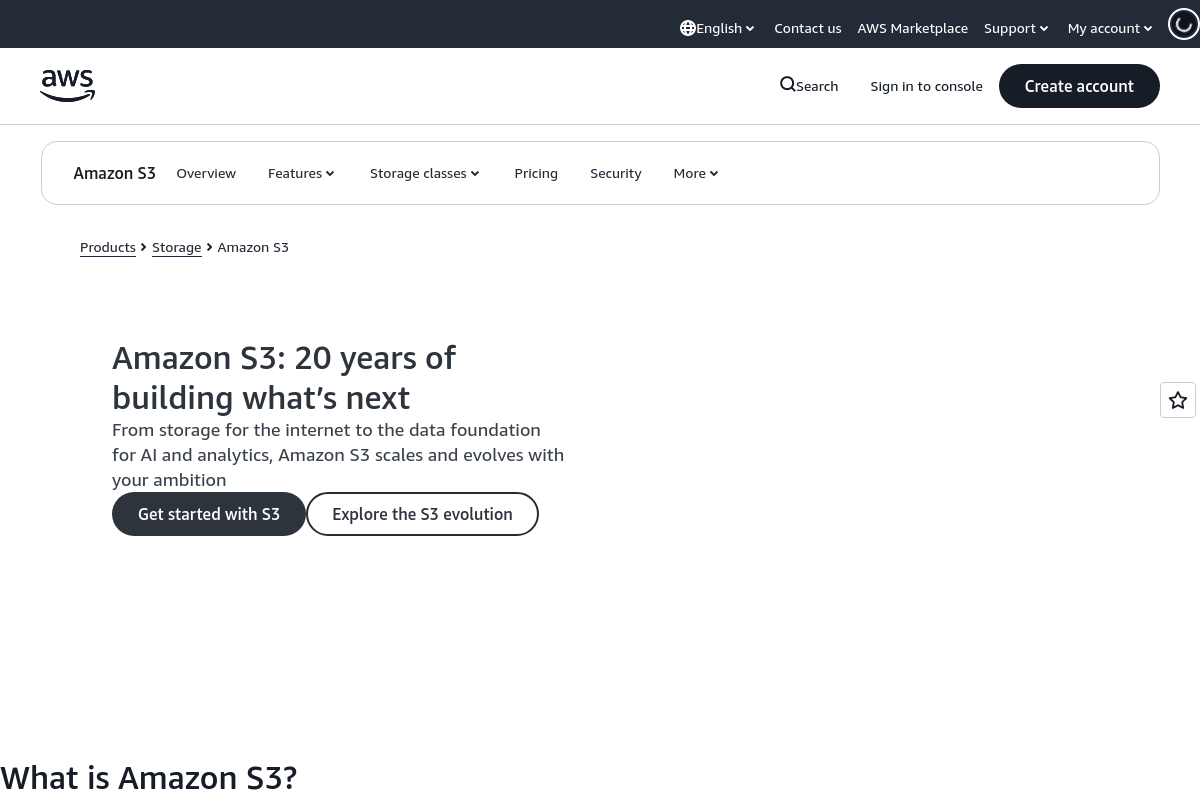
The overview
What Amazon S3 is for
1Core Capabilitie
- Bucket creation and property editor
- Object upload/download interface
- Access Control List (ACL) and bucket policy editor
- Versioning and replication rule configuration
- Lifecycle management policy panel
2Specialized Workflow
- Static website hosting setup
- Storage Class Analysis report viewer
- Cross-Region Replication (CRR) wizard
- S3 Batch Operations job console
Who it helps
Useful ways to use Amazon S3
A practical path
Access the S3 Console
Navigate to the AWS Management Console in your browser, sign in, and select 'S3' from the services list to open the S3 dashboard
External signals
Reviews & reputation
Aggregated review score
Amazon S3 is widely recognized as the industry standard for cloud object storage, praised for its unparalleled scalability, durability, and extensive feature set. Users frequently highlight its robust security options, diverse storage classes for cost optimization, and seamless integration with the broader AWS ecosystem. While the initial learning curve for permissions and advanced configurations can be steep for newcomers, its reliability and performance make it an indispensable tool for data persistence across a multitude of web-based applications and
Quick answers
Frequently asked questions
1What are the primary cost drivers for S3 usage?⌄
S3 costs are primarily driven by the amount of data stored (per GB-month), data transfer out of S3 to the internet, and the number of requests (GET, PUT, LIST, etc.). Different storage classes have varying price points for storage and requests, impacting overall expenditure.
2How does S3 ensure data durability and availability?⌄
S3 is designed for 99.999999999% (11 nines) durability and 99.99% availability of objects over a given year. It achieves this by redundantly storing data across multiple devices in multiple Availability Zones within an AWS Region, automatically detecting and repairing any data corruption.
3Can I host a static website directly from an S3 bucket?⌄
Yes, S3 supports static website hosting. You configure a bucket for website hosting, specify an index document and optionally an error document, and then make the bucket contents publicly readable. This provides a highly scalable and cost-effective solution for static content.
4What security features are available to protect data in S3?⌄
S3 offers multiple layers of security, including server-side encryption (SSE-S3, SSE-KMS, SSE-C), client-side encryption, bucket policies, Access Control Lists (ACLs), and integration with AWS Identity and Access Management (IAM) for granular user permissions and access control.
5How do I manage large numbers of objects or automate tasks in S3?⌄
For managing large object sets, S3 Batch Operations allows you to perform actions like copying, tagging, or modifying access controls on millions of objects with a single request. For automation, S3 integrates with AWS Lambda and other services for event-driven processing based on object events.
Keep exploring