

What Is Amazon Web Services (AWS) Used For: Features, Reviews & Alternatives
Cloud computing services.
Editorially updated Oct 5, 2025
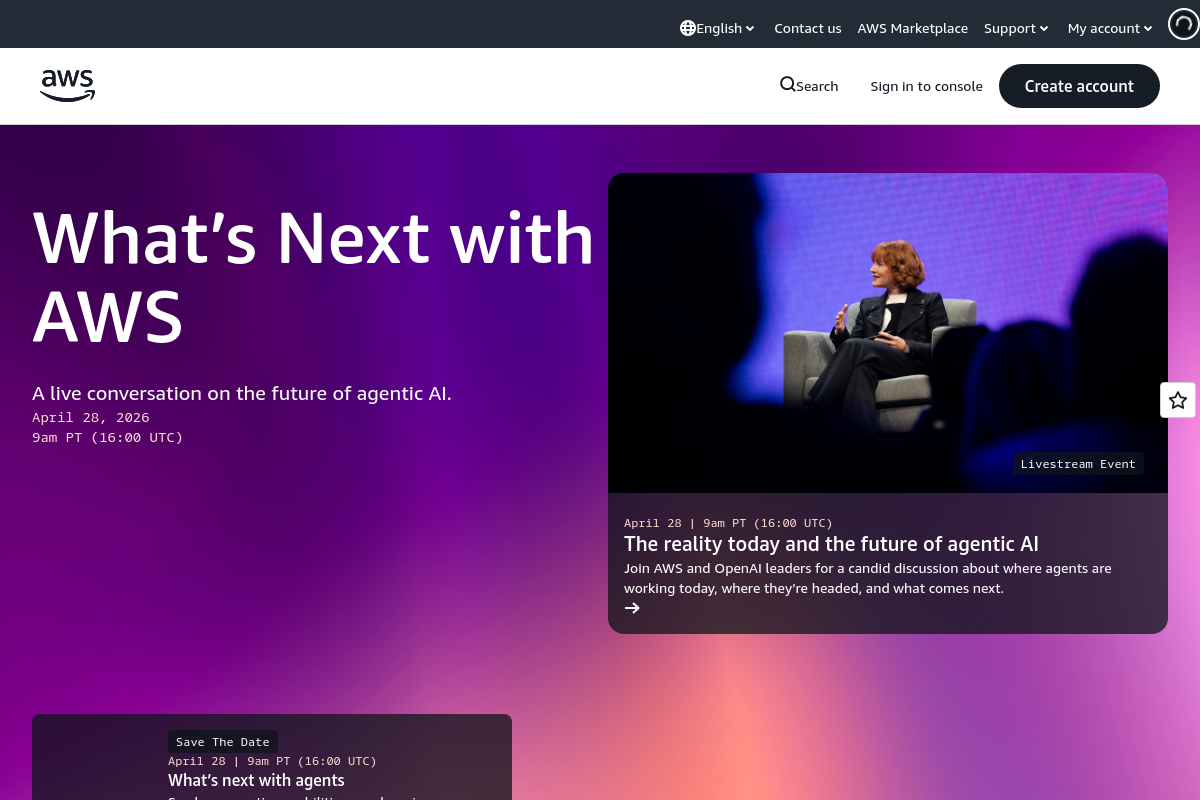
The overview
What Amazon Web Services (AWS) is for
1Core Capabilitie
- S3 static website hosting enablement
- Route 53 domain registration interface
- EC2 instance launch wizard
- CloudFront distribution creation panel
- Certificate Manager SSL/TLS request form
2Specialized Workflow
- Amplify Console build pipeline configuration
- RDS database instance deployment wizard
- Elastic Load Balancer listener setup
- WAF rule group editor
- VPC subnet and routing table configuration
Who it helps
Useful ways to use Amazon Web Services (AWS)
A practical path
Host a Static Website on S3
Log into the AWS Management Console, navigate to S3, create a new bucket, enable 'Static website hosting' in the bucket properties, and upload your website files directly via the browser interface
External signals
Reviews & reputation
Aggregated review score
AWS offers an unparalleled breadth and depth of services for web hosting, from static sites to complex, highly scalable applications. Its modular nature provides immense flexibility but can introduce a steep learning curve for newcomers. The pay-as-you-go model is cost-effective for many, though diligent cost management is crucial. It's the industry standard for robust, enterprise-grade web infrastructure.
Quick answers
Frequently asked questions
1What are the typical costs for hosting a small to medium-sized website on AWS?⌄
Costs vary significantly based on services used (EC2, S3, RDS, data transfer), traffic volume, and resource sizing. AWS offers a Free Tier for new accounts, but beyond that, expect to pay for compute hours, storage, and egress data transfer. Tools like the AWS Pricing Calculator can provide detailed estimates based on your projected usage.
2How do I ensure my website is secure against common web vulnerabilities?⌄
AWS provides several services for security. Implement WAF (Web Application Firewall) for protection against common exploits, use AWS Shield for DDoS mitigation, and ensure all data in transit uses SSL/TLS via Certificate Manager and CloudFront. Regularly patch your EC2 instances and follow security best practices for your application code.
3Can I migrate an existing domain name to AWS for DNS management?⌄
Yes, you can migrate an existing domain. In Route 53, create a new hosted zone for your domain. Then, update your domain registrar's nameserver records to point to the four AWS nameservers provided by Route 53. This process typically takes 24-48 hours for DNS propagation globally.
4What options are available for deploying serverless web applications?⌄
For serverless web applications, you can combine API Gateway for API endpoints, Lambda for backend compute functions, and DynamoDB for NoSQL database storage. Frontend assets can still be hosted on S3 and served via CloudFront. This model scales automatically and you only pay for actual usage, eliminating server management overhead.
5How does AWS handle scaling for unexpected traffic spikes?⌄
AWS offers various auto-scaling mechanisms. For EC2 instances, you can configure Auto Scaling Groups to automatically add or remove instances based on demand metrics (e.g., CPU utilization). Load Balancers distribute traffic across these instances. Serverless services like Lambda and API Gateway inherently scale on demand without explicit configuration, handling traffic spikes seamlessly.
Keep exploring