
URLs.ai
Apple Pay icon
WebsiteAppleAutomation

What Is Apple Pay Used For: Features, Reviews & Alternatives

Mobile payment and digital wallet.

Editorially updated Oct 25, 2025
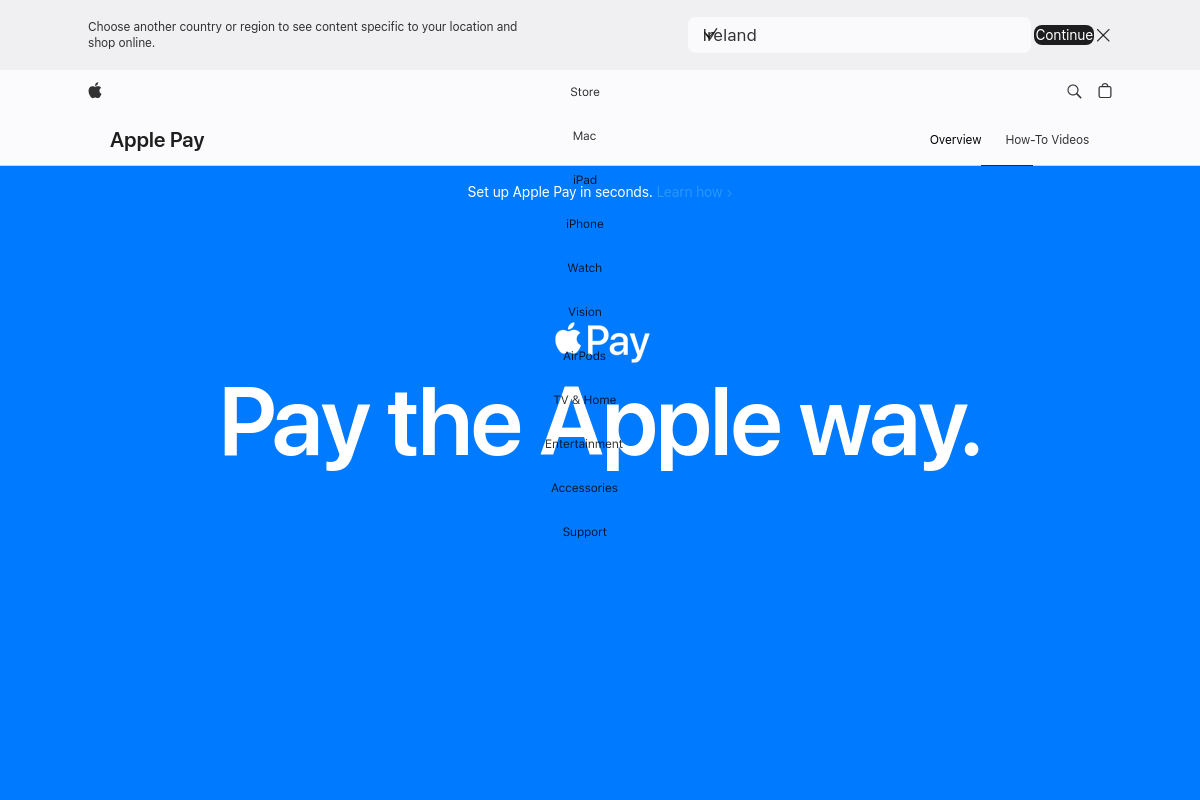
Screenshot of Apple Pay

The overview

What Apple Pay is for

Apple Pay enables users to make secure payments using their Apple devices by storing credit, debit, and prepaid card information digitally. It integrates directly with the Wallet app on iPhone, iPad, Apple Watch, and Mac, allowing contactless transactions in stores, within apps, and on websites that support Apple Pay. Positioned within Apple's ecosystem, it replaces physical cards with a streamlined, device-based payment method that leverages biometric authentication and tokenization to protect user data. When evaluating Apple Pay for inclusion in a directory focused on Apple products, consider its role as a native payment solution that aligns with Apple's hardware and software environment. Its effectiveness depends on compatibility with Apple devices and merchant adoption of contactless payment terminals. The product's value lies in its ability to simplify checkout processes while maintaining security standards specific to Apple’s platform, making it a specialized tool for users invested in the Apple ecosystem rather than a generic digital wallet solution.
Key features

1Core Capabilities

  • Contactless payments using NFC technology
  • Secure storage of credit, debit, and transit cards
  • Authentication via Face ID, Touch ID, or passcode
  • Transaction history accessible within Wallet app
  • Support for in-app and web purchases on Safari

Who it helps

Useful ways to use Apple Pay

01
Contactless Payments in Stores
Use Apple Pay to complete in-person purchases quickly and securely at retail locations supporting NFC payments, eliminating the need to carry physical cards or cash.
02
Streamlined Checkout on Websites and Apps
Enable fast and secure payments on e-commerce sites and apps that accept Apple Pay, reducing checkout friction and minimizing the need to enter card details manually.
03
Tap-to-Pay for Transit Fares
Pay transit fares using Apple Pay on compatible transit systems, allowing riders to board quickly without purchasing physical tickets or carrying transit cards.
04
Ticket and Pass Storage
Store and use digital tickets, boarding passes, and event entry credentials within Apple Wallet, facilitating easy access and contactless validation at venues.

A practical path

How to use Apple Pay

Set up Apple Pay on your device

Open the Wallet app on your iPhone or iPad, tap the plus sign, and follow the prompts to add a supported credit or debit card by scanning it or entering details manually.

External signals

Reviews & reputation

AI aggregated
4.5/ 5

Aggregated review score

This pass shows Apple Pay fitting strongest workflows where payment orchestration quality is measurable and reconciliation and dispute handling controls are documented.

Quick answers

Frequently asked questions

1Is Apple Pay free to use for consumers?

Apple Pay does not charge users fees for making payments, but standard fees from your bank or card issuer may still apply.

2Which devices support Apple Pay?

Apple Pay works on compatible Apple devices including iPhone models with Face ID or Touch ID, Apple Watch, iPad, and Mac with Touch ID or paired with an iPhone.

3Can I use Apple Pay with any credit or debit card?

Apple Pay supports cards from many major banks and card networks, but availability depends on your card issuer and region.

4How does Apple Pay protect my payment information?

Apple Pay uses device-specific numbers and unique transaction codes to process payments without sharing your actual card details with merchants.

5Can Apple Pay be used for online purchases outside of Apple’s ecosystem?

Apple Pay is accepted on many websites and apps that support it, but it is not universally available across all online merchants.

Keep exploring

More products

Browse all websites