

What Is iTunes Store Used For: Features, Reviews & Alternatives
Digital media store.
Editorially updated Oct 25, 2025
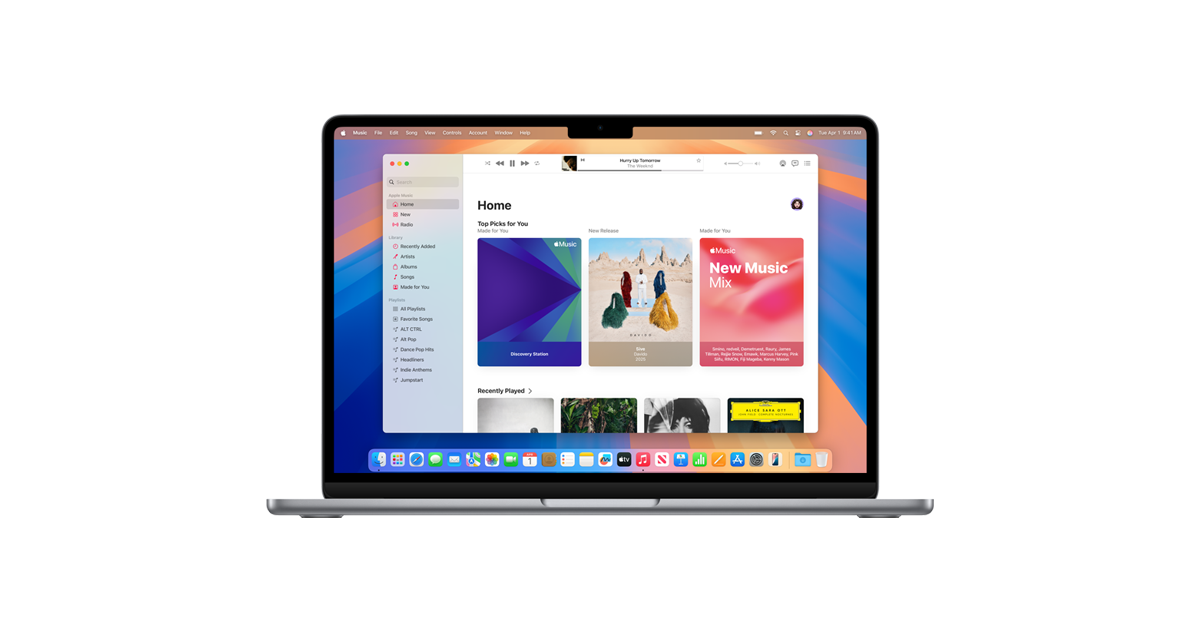
The overview
What iTunes Store is for
1Core Capabilitie
- Genre-filtered content catalog navigation
- Universal search bar for media titles and creator
- Detailed product pages with embedded trailers and metadata
- Apple ID-authenticated purchase and rental prompt
- Digital wishlist integration for deferred acquisition
2Specialized Workflow
- Gift card and promotional code redemption portal
- Transaction history and account balance management interface
- Content rating and parental control configuration panel
- High-definition (HD) and standard-definition (SD) format selection
Who it helps
Useful ways to use iTunes Store
A practical path
Access Storefront
Navigate to the URL in a web browser to load the primary content catalog
External signals
Reviews & reputation
Aggregated review score
A robust and deeply integrated digital media storefront, offering extensive content selection and reliable access within the Apple ecosystem, though some users note platform-specific playback limitations.
Quick answers
Frequently asked questions
1What is the distinction between purchasing and renting content?⌄
Purchased content is permanently added to your Apple ID library, allowing unlimited viewing across compatible devices. Rented content is available for a limited viewing window (typically 30 days to start watching, then 48 hours to finish once started) and expires afterward.
2Can I watch my iTunes Store purchases on non-Apple devices?⌄
Generally, iTunes Store content is designed for playback within the Apple ecosystem (iPhone, iPad, Apple TV, Mac, Windows with iTunes/Apple TV app). Some Smart TVs and streaming devices may offer an Apple TV app, allowing access. Direct playback on other platforms is not typically supported.
3How are content quality options (HD/SD/4K) handled for purchases?⌄
When available, you can select between SD, HD, or 4K UHD versions on the product page. If you purchase an HD title and a 4K version becomes available later, Apple often upgrades your purchase to 4K at no additional cost, provided your device supports it.
4Where can I review my past transactions and manage my payment methods?⌄
Your complete purchase history and payment method management are accessible via the 'Account' section within the iTunes Store web interface or through your Apple ID account page (appleid.apple.com).
5What is the policy for accidental purchases or content issues?⌄
Apple provides a process for reporting issues or requesting refunds for accidental purchases or content that doesn't perform as expected. This is typically initiated through the 'Report a Problem' link found in your purchase history or by contacting Apple Support directly.
Keep exploring