

What Is Studio Display Used For: Features, Reviews & Alternatives
Flat panel computer monitor.
Editorially updated Oct 25, 2025
The overview
What Studio Display is for
1Core Capabilities
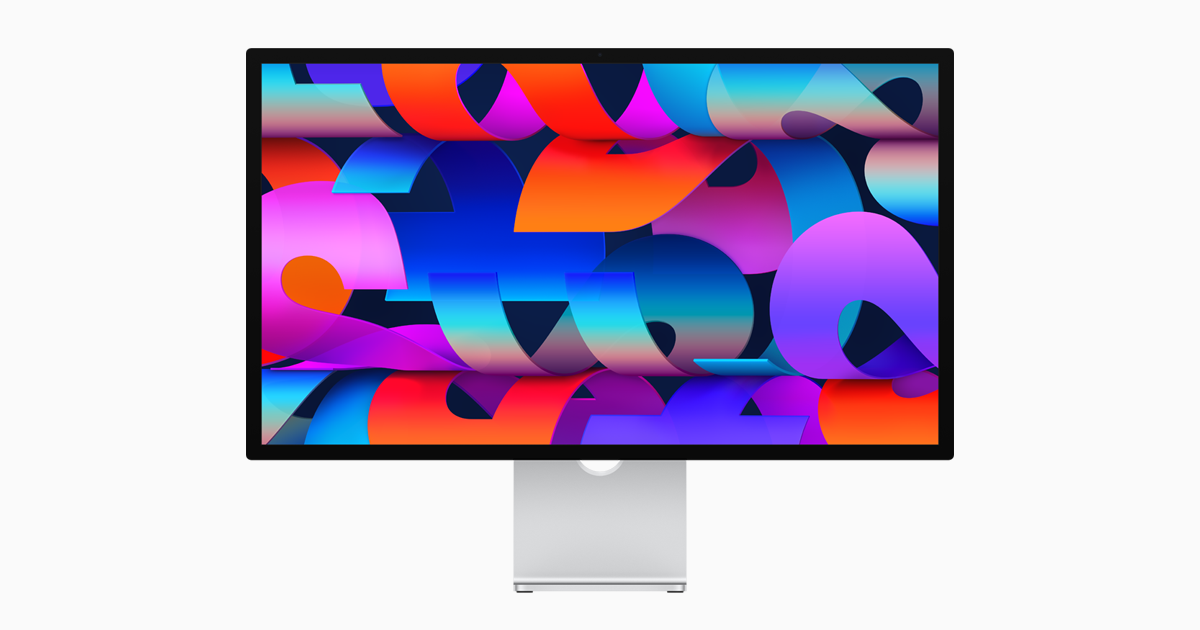
- 27-inch 5K Retina panel with high pixel density for dense UI, code, and layout review without zoom gymnastics
- Native Mac-side behavior keeps display setup fast and predictable in daily usage, especially for teams already on macOS
- Built-in 12MP camera, forward-facing mic, and six-speaker audio help run quick proofing calls without extra peripherals
- Three USB-C/Thunderbolt pass-through ports plus power capability enable near all-day desk workflows from a single hub model
- Height and tilt-compatible stand system plus VESA compatibility support stable desk ergonomics across operator shifts
Who it helps
Useful ways to use Studio Display
A practical path
Connect once, test fast
Attach your Mac via USB-C/Thunderbolt, confirm stable image and power delivery, then attach one key accessory (keyboard, audio interface, or card reader) through the downstream port path you use most.
External signals
Reviews & reputation
Aggregated review score
The practical upside of Studio Display is steadier repeatable team usage; the tradeoff is disciplined handling of maintenance overhead and process drift.
Quick answers
Frequently asked questions
1Is Studio Display suitable as a primary monitor for mixed design and editorial work?⌄
It is strong for mixed work when you want one premium panel to host both creative tools and communication windows. If your role requires dedicated color grading booths or separate reference speakers, keep dedicated gear nearby for critical sessions.
2Can it integrate cleanly with non-Apple devices in a mixed environment?⌄
It supports broad external display workflows, but control integration is best on Apple systems. For non-Apple hosts, confirm power and peripheral behavior against your exact docking or adapter chain before standardizing a workstation.
3Does it hold quality during long review sessions?⌄
Users usually care less about headline specs and more about stability. In real operation, monitor performance is acceptable if brightness, USB bandwidth, and camera/mic behavior remain stable across long stretches; run a short reliability pass before high-stakes blocks.
4Does the built-in audio and camera replace dedicated gear in production?⌄
It reduces setup load for quick checks and internal reviews. For final client playback, ADR, or noisy environments, dedicated broadcast-level audio and camera tools are usually still safer.
Keep exploring