

What Is AppExchange Used For: Features, Reviews & Alternatives
Marketplace for Salesforce apps.
Editorially updated Oct 25, 2025
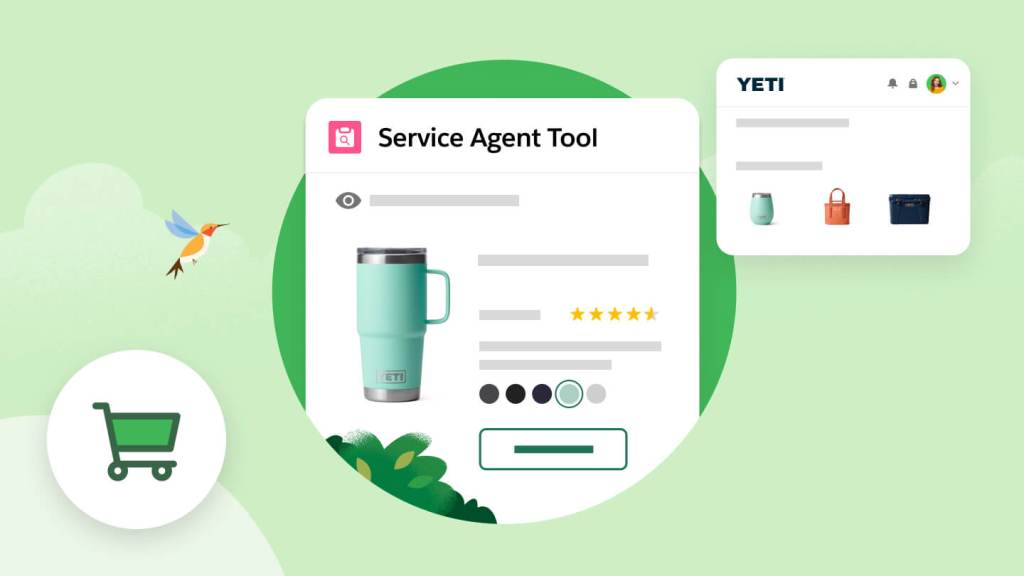
The overview
What AppExchange is for
1Core Capabilities
- Curated catalog of pre-built Salesforce apps and components
- User reviews and ratings specific to Salesforce use cases
- Direct installation and management within Salesforce environments
- Filtering by Salesforce edition compatibility and industry focus
- Access to Lightning-ready and Apex-based solutions
Who it helps
Useful ways to use AppExchange
A practical path
Access AppExchange
Navigate to salesforce.com and select the AppExchange link from the main menu to enter the marketplace.
External signals
Reviews & reputation
Aggregated review score
Confidence in AppExchange improves once teams validate initial setup and permission alignment against real production paths and monitor drift over the first rollout cycle.
Quick answers
Frequently asked questions
1What pricing models are available for apps on AppExchange?⌄
Pricing varies by app and developer; some apps offer free versions, while others require one-time purchases or subscription fees. Detailed pricing is typically provided on each app's listing page.
2How does AppExchange ensure compatibility with different Salesforce editions?⌄
App compatibility depends on the app developer's specifications. Most listings indicate supported Salesforce editions and versions, but users should verify compatibility with their specific Salesforce environment before installation.
3What permissions are required to install apps from AppExchange?⌄
Installing apps generally requires Salesforce administrator privileges. Some apps may request additional permissions to access specific data or features within Salesforce, which should be reviewed carefully during installation.
4How is data privacy handled when using third-party apps from AppExchange?⌄
Data privacy practices vary by app provider. Users should review each app's privacy policy and terms of service to understand data handling, storage, and sharing practices before installation.
5What support options are available for issues encountered with AppExchange apps?⌄
Support is typically provided by the app developer, not Salesforce. Contact information and support details are usually listed on the app's page. Users should assess support responsiveness and resources prior to commitment.
Keep exploring