

What Is Einstein AI Used For: Features, Reviews & Alternatives
AI features for Salesforce.
Editorially updated Oct 25, 2025
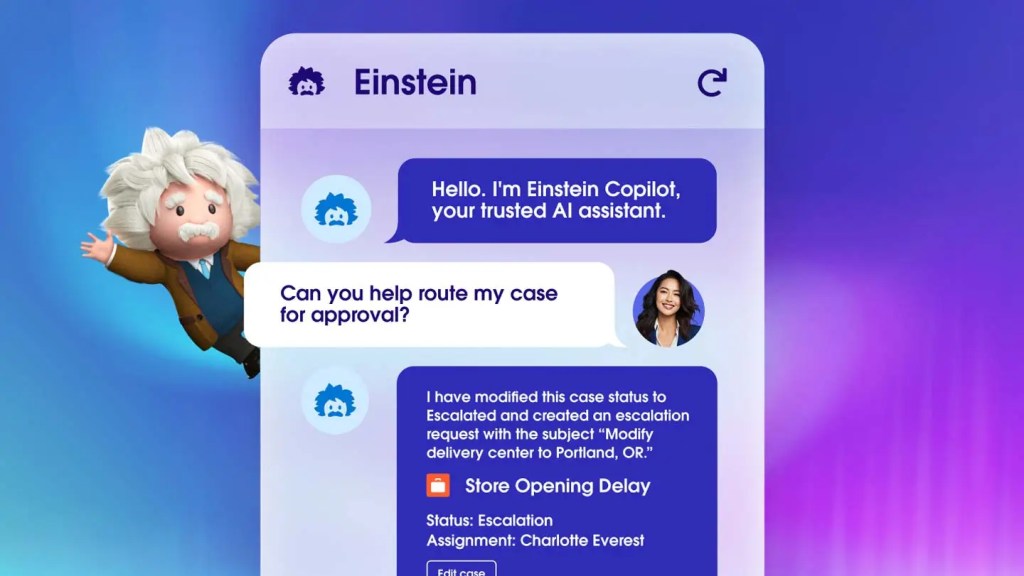
The overview
What Einstein AI is for
1Core Capabilitie
- Predictive Lead Scoring component
- Next Best Action recommendation panel
- Service Bot builder interface
- Einstein Search Insights dashboard
- Case Classification setup flow
2Specialized Workflow
- Einstein Discovery Story creation wizard
- Marketing Content Selection configuration
- Sales Forecasting prediction view
- Field Service scheduling optimization panel
- Commerce Product Recommendations editor
Who it helps
Useful ways to use Einstein AI
A practical path
Configure Einstein Lead Scoring
Log into your Salesforce org, navigate to Setup, then search for "Einstein Lead Scoring." Follow the guided setup wizard to define your scoring criteria and activate the model, which will then appear on Lead record page
External signals
Reviews & reputation
Aggregated review score
Einstein AI deeply embeds advanced AI capabilities directly into the Salesforce platform, making sophisticated predictive and generative features accessible through the standard web interface. While it significantly enhances CRM productivity and decision-making, the learning curve for advanced customization and the additional licensing costs for premium features can be considerations for some organizations.
Quick answers
Frequently asked questions
1How is Einstein AI licensed within Salesforce?⌄
Einstein AI capabilities are typically included with specific Salesforce Cloud editions (e.g., Sales Cloud Einstein, Service Cloud Einstein) or available as add-on licenses. The exact features and pricing vary by edition and the specific Einstein product, requiring consultation with a Salesforce account executive.
2Can I customize the AI models Einstein uses for my specific business data?⌄
Yes, many Einstein features offer customization. For instance, Einstein Discovery allows you to build custom predictive models using your Salesforce data, and Einstein Bots can be trained with your specific conversational data. Einstein Lead Scoring can be configured to prioritize fields relevant to your sales process.
3What data does Einstein AI leverage, and how is data privacy handled?⌄
Einstein AI primarily leverages your organization's existing data within Salesforce CRM, including standard and custom objects. Salesforce maintains robust security and privacy controls, ensuring your data remains within your Salesforce instance and adheres to your organization's compliance requirements.
4Is Einstein AI accessible via mobile devices?⌄
Yes, many Einstein AI features are accessible and functional within the Salesforce Mobile App, which mirrors the Lightning Experience web interface. Users can view predictions, recommendations, and interact with AI-powered components directly from their mobile devices.
5How does Einstein AI integrate with other Salesforce products like Tableau or Mulesoft?⌄
Einstein AI is natively integrated across the Salesforce ecosystem. Data from Einstein Discovery can be visualized in Tableau CRM (formerly Einstein Analytics), and Mulesoft can be used to connect external data sources to feed Einstein models or to push Einstein insights to other systems.
Keep exploring