

What Is Pardot (Salesforce) Used For: Features, Reviews & Alternatives
B2B marketing automation by Salesforce.
Editorially updated Oct 25, 2025
The overview
What Pardot (Salesforce) is for
1Core Capabilitie
- Visual Email Builder
- Drag-and-Drop Landing Page Editor
- Customizable Web Form Builder
- Prospect Activity Tracking Log
- Dynamic Content Block
2Specialized Workflow
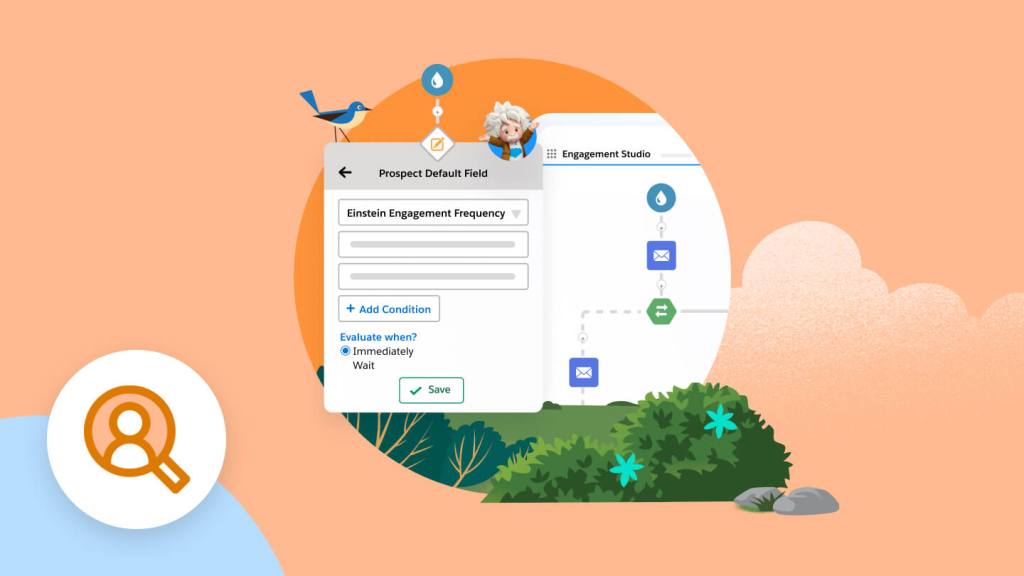
- Engagement Studio (Visual Nurture Builder)
- Lead Scoring and Grading Engine
- Salesforce CRM Connector
- Segmentation List Builder
- Automated Prospect Assignment Rule
Who it helps
Useful ways to use Pardot (Salesforce)
A practical path
Initiate a New Engagement Program
Log into your Pardot account via browser. Navigate to 'Automations' in the left-hand menu, then select 'Engagement Studio'. Click the '+ Add Engagement Program' button, provide a name, and choose a folder for organization
External signals
Reviews & reputation
Aggregated review score
Pardot is highly regarded by B2B marketing and sales operations teams for its robust lead nurturing capabilities and deep integration with Salesforce CRM. Users frequently praise its Engagement Studio for visual campaign building and the comprehensive prospect activity tracking. While powerful, some users note a steeper learning curve and a pricing model that can be a significant investment for smaller organizations. Its B2B focus is a key strength, but also a limitation for those seeking B2C functionality.
Quick answers
Frequently asked questions
1How does Pardot integrate with Salesforce CRM?⌄
Pardot offers native, real-time integration with Salesforce CRM. Prospect data, activities (like email opens, website visits), and lead scores are automatically synced to corresponding Lead or Contact records in Salesforce. This ensures sales teams have a complete view of marketing engagement, enabling better lead qualification and follow-up. Campaigns and tasks can also be pushed from Pardot to Salesforce.
2Is Pardot suitable for B2C marketing efforts?⌄
Pardot is specifically designed and optimized for B2B marketing automation. Its features, such as lead scoring, grading, account-based marketing capabilities, and deep Salesforce CRM integration, cater to the longer sales cycles and complex decision-making processes typical of B2B environments. For B2C, Salesforce Marketing Cloud is generally the more appropriate solution due to its focus on high-volume consumer engagement and diverse channel support.
3What are the typical pricing tiers for Pardot and how are they structured?⌄
Pardot pricing is typically tiered based on the number of active prospects in your database, starting with Growth, Plus, and Advanced editions. Each tier unlocks additional features, such as advanced analytics, B2B Marketing Analytics, or dedicated IP addresses. Pricing is subscription-based, billed annually, and often requires an existing Salesforce CRM license for full functionality. Specific costs vary and are best obtained directly from Salesforce.
4Can I migrate existing prospect data and email templates into Pardot?⌄
Yes, Pardot supports bulk import of existing prospect data via CSV files, allowing you to bring in your current lead database. For email templates, you can either recreate them using Pardot's visual builder, import HTML code directly, or leverage the 'Email Content' feature to sync templates from Salesforce. It's recommended to cleanse and segment your data before import for optimal performance.
5How does Pardot handle compliance with data privacy regulations like GDPR or CCPA?⌄
Pardot provides several features to assist with data privacy compliance. This includes consent management tools for opt-in preferences, preference centers for prospects to manage their subscriptions, and data deletion capabilities to fulfill 'right to be forgotten' requests. It also offers audit trails for prospect activity. However, achieving full compliance requires a comprehensive strategy that extends beyond just the platform's features.
Keep exploring