

What Is Field Service Lightning Used For: Features, Reviews & Alternatives
Field service management.
Editorially updated Oct 25, 2025
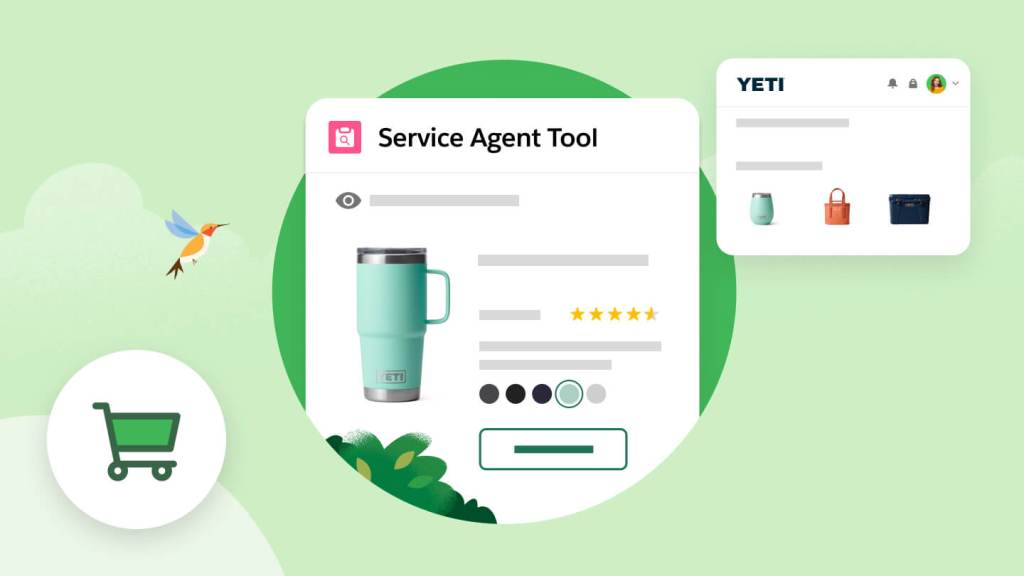
The overview
What Field Service Lightning is for
1Core Capabilitie
- Dispatch Console UI
- Service Appointment Scheduling
- Work Order Record Management
- Resource Skill & Availability Matching
- Service Territory Configuration
2Specialized Workflow
- Automated Schedule Optimization Engine
- Real-time Technician Tracking Map
- Knowledge Article Integration Panel
- Asset Service History View
- Custom Report Builder for Service Metric
Who it helps
Useful ways to use Field Service Lightning
A practical path
Log In and Navigate to Dispatch Console
From your web browser, log into your Salesforce org. Use the App Launcher to select the "Field Service" app, then click the "Field Service Dispatcher Console" tab to load the primary scheduling interface
External signals
Reviews & reputation
Aggregated review score
Field Service Lightning is a powerful, comprehensive solution for managing complex field operations, deeply integrated with the Salesforce ecosystem. Users praise its robust scheduling optimization and real-time tracking capabilities, though some note the initial setup and configuration can be extensive.
Quick answers
Frequently asked questions
1Is Field Service Lightning a standalone product or part of Service Cloud?⌄
Field Service Lightning is an add-on product that extends the capabilities of Salesforce Service Cloud. It requires a Service Cloud license and is deeply integrated into the core Salesforce platform for a unified customer service experience.
2Can field technicians access FSL data offline?⌄
While the primary Dispatch Console is web-based, field technicians typically use the Salesforce Field Service mobile app, which offers robust offline capabilities. This allows them to view schedules, update work orders, and capture signatures even without an internet connection, syncing data once connectivity is restored.
3How does FSL handle complex scheduling rules and service level agreements (SLAs)?⌄
FSL's optimization engine allows administrators to configure a wide array of scheduling rules, including skill requirements, preferred resources, travel time, and customer availability. SLAs can be enforced through service appointment due dates and priority settings, with the system flagging or preventing assignments that violate these parameters.
4What level of customization is available for the Dispatch Console?⌄
The Dispatch Console is highly configurable. Administrators can customize the information displayed on the Gantt chart, map, and service appointment cards. Custom actions, filters, and list views can be added, and the underlying data model can be extended with custom objects and fields to meet specific business needs.
5How does FSL integrate with other Salesforce clouds like Sales Cloud or Experience Cloud?⌄
FSL is built natively on the Salesforce platform, ensuring seamless integration. Work orders can be generated directly from Sales Cloud opportunities or Service Cloud cases. Customer portals built with Experience Cloud can expose service appointment details, allowing customers to track technician arrival or request new service.
Keep exploring